
 1 MIN READ
 UPDATED OCT 30, 2026
This is a complete step-by-step guide to integrate your UKG payroll with Toku.
Toku Installation Instructions
Please follow these steps in order to establish the connection between UKG and Toku. Payroll runs will be created within Toku after the connection is established.
- Login into your Toku profile at https://app.toku.com/login
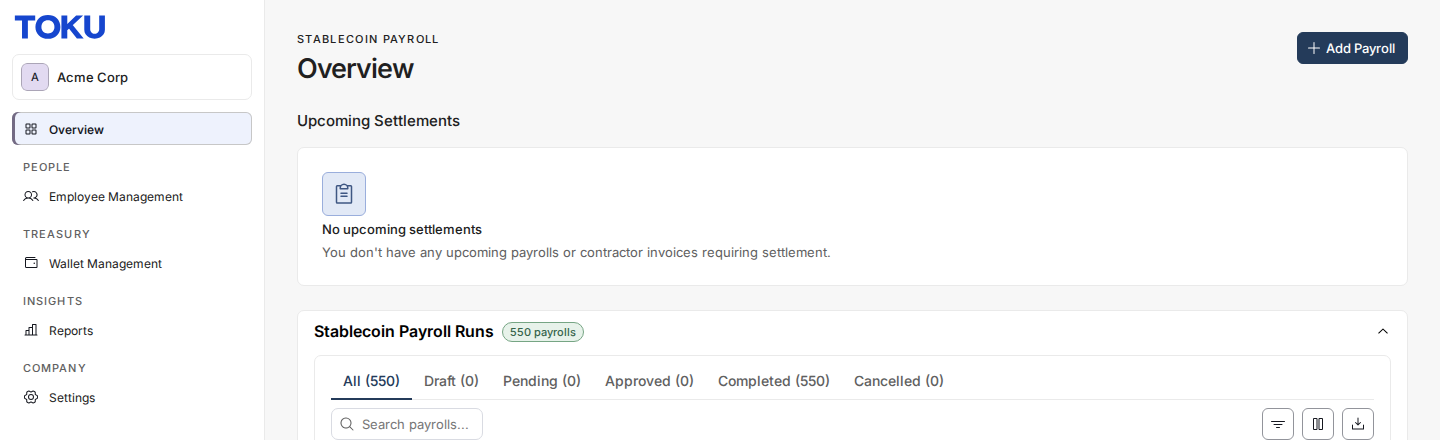
- Click on Settings in the left side navbar
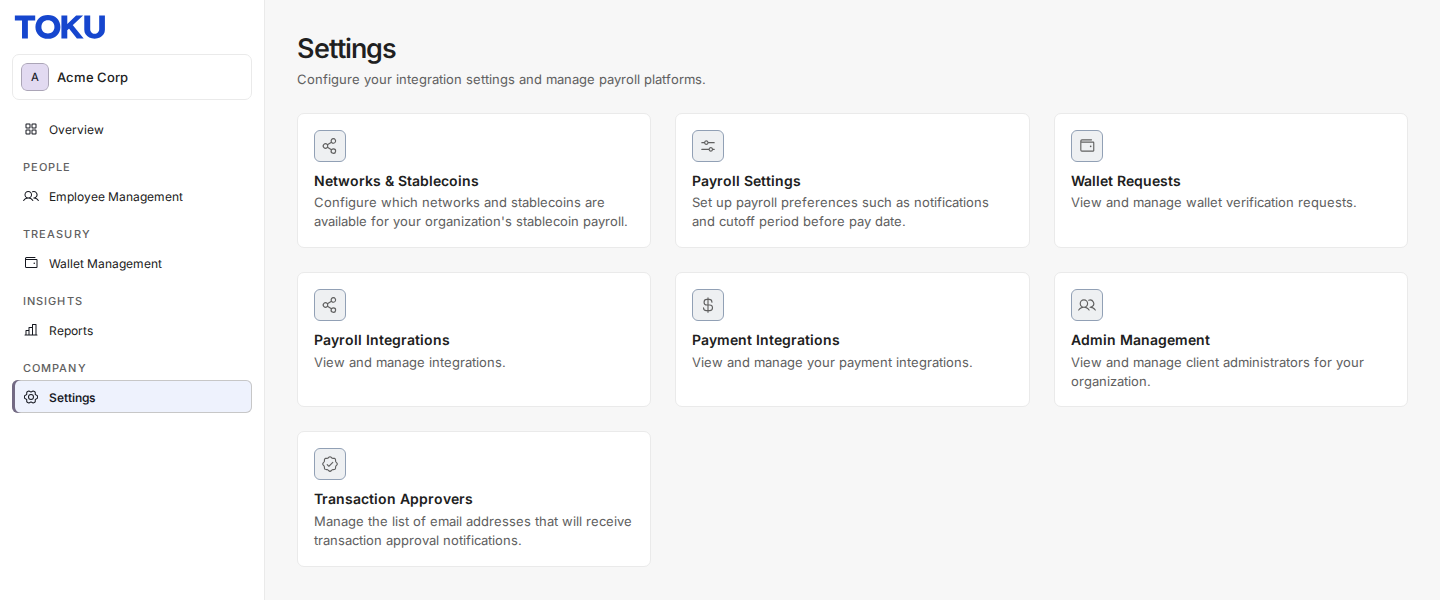
- Click on Payroll Integrations Card
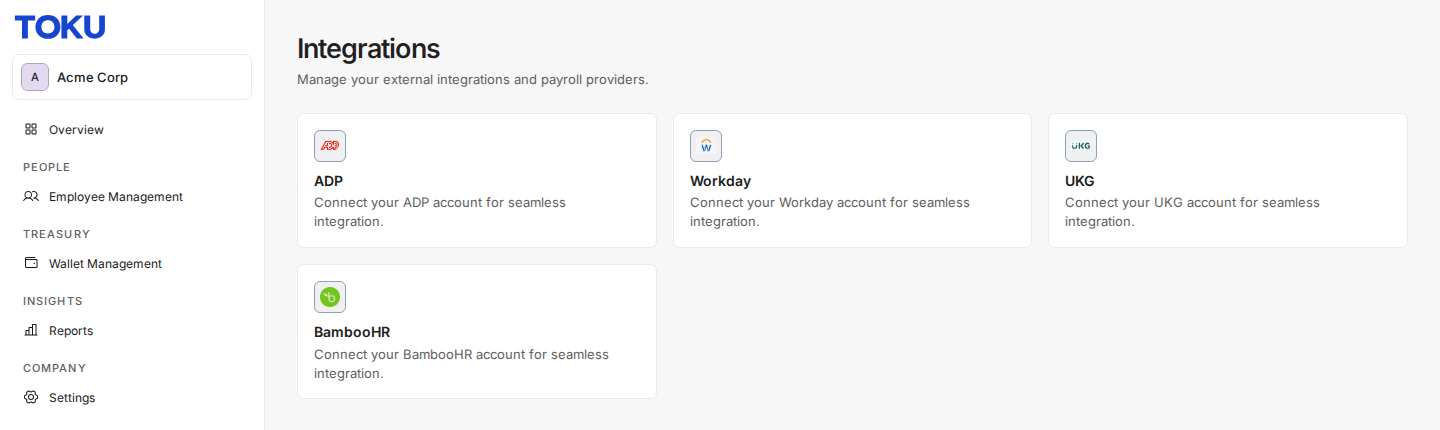
- click on the UKG card on the Integrations page
- It opens the Integration purpose pop-up which asks whether to use this integration for employee sync and/or payroll sync.
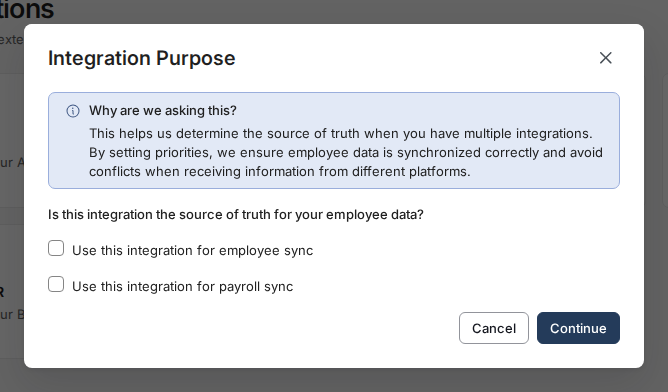
Note: Do not select the employee sync checkbox if you will be integrating and HCM where your employees are stored.
- Add the credentials and deduction to the form.
- The Service Endpoint URL, Tenant ID, User API key, Customer API key can be found in the steps 1.1 (1.1 - Finding your API connection credential) of this guide.
- The Service account user name and Service account password can be found in the steps 1.2 (1.2 - Adding a new service account) of this guide.
- The Deduction code can be found in the step 2.1 (2.1 Adding a deduction group) of this guide
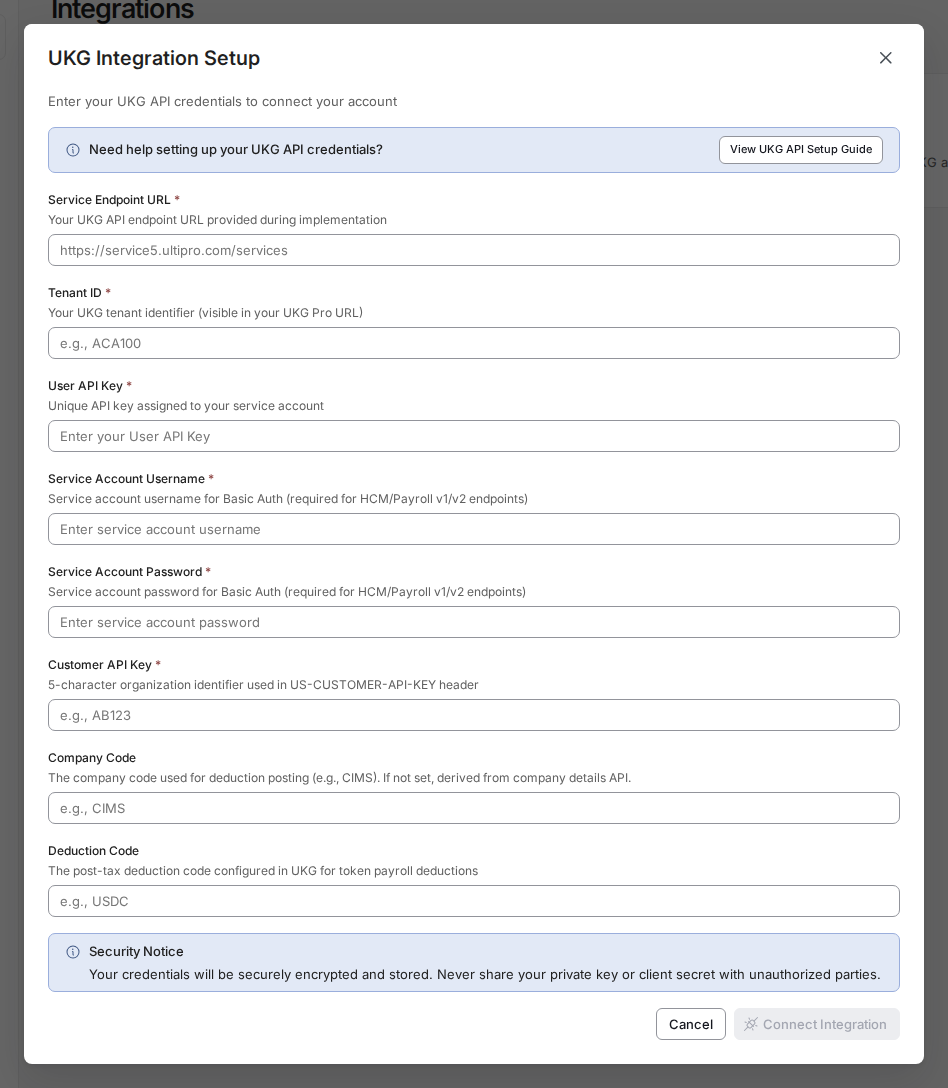
- Select “Connect Integration” to establish the connection You are all set! Your integration will now update once every 15 minutes to pull upcoming payrolls into Toku