1 MIN READ
 UPDATED JUL 13, 2026
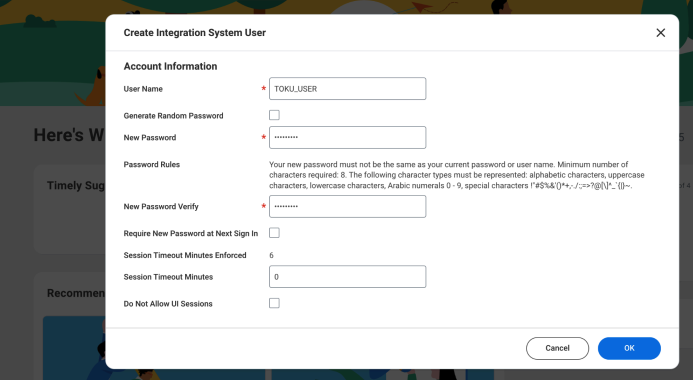
Ensure Integated System User exists
Check if the Integrated System user TOKU_USER exists on the Workday tenant.
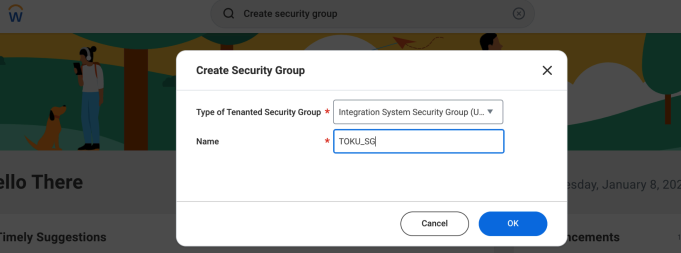
Ensure the correct type of Security Group with proper Managed Domain Permissions exists with Toku's user added to it
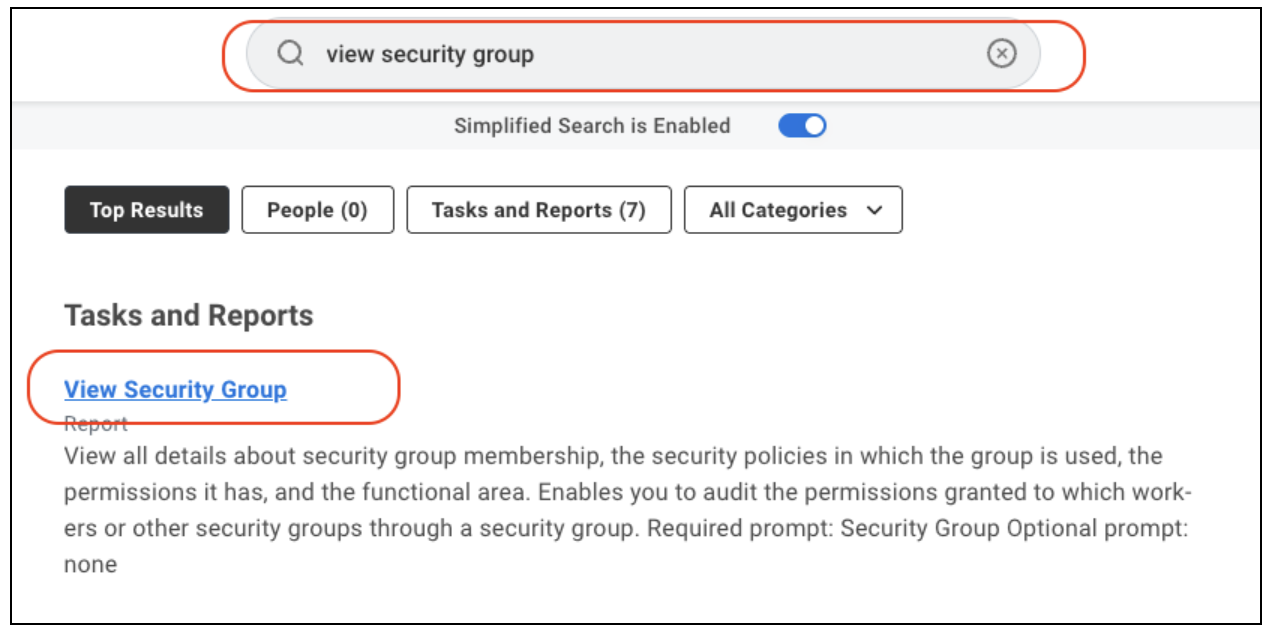
Search for “View Security Group”.
Check if the security group reserved for Toku exists of the type “Integration System Security Group (Unconstrained)”
Check if, for the security group reserved for Toku, the TOKU_USER is added as one of the “Integrated System Users”.
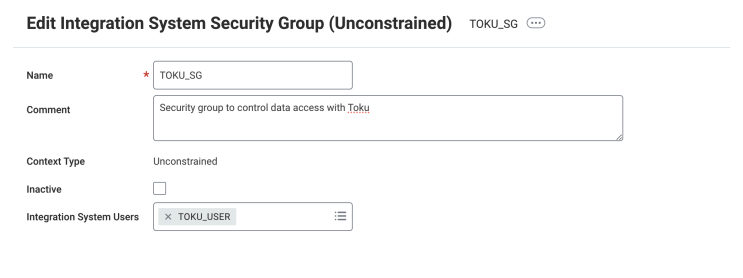
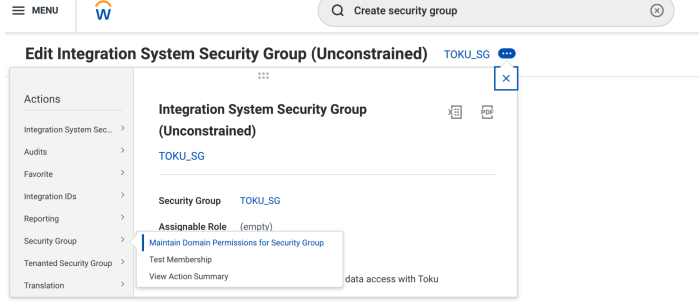
In the “Maintain Domain Permissions for Security Group” for the security group, click on the “Manage Domain Permissions” page.
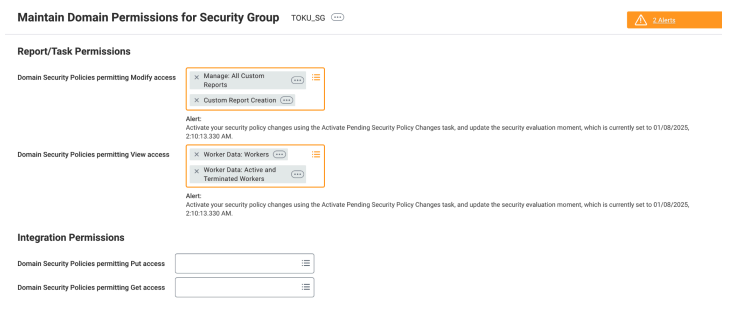
On the “Maintain Domain Permissions” page, ensure the following permissions along with any other permissions needed for the custom report generation in the following steps.
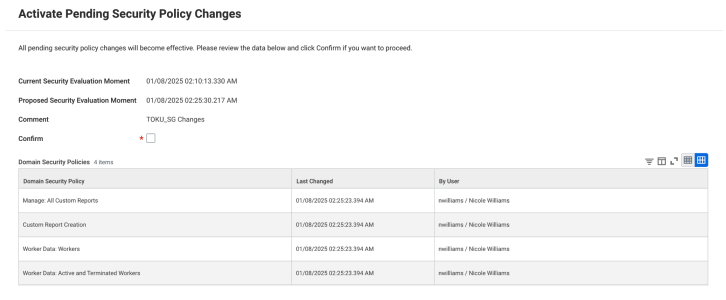
If you make any corrective changes in the security group the security group, search for “Activate Pending Security Policy Changes” task and confirm the changes.
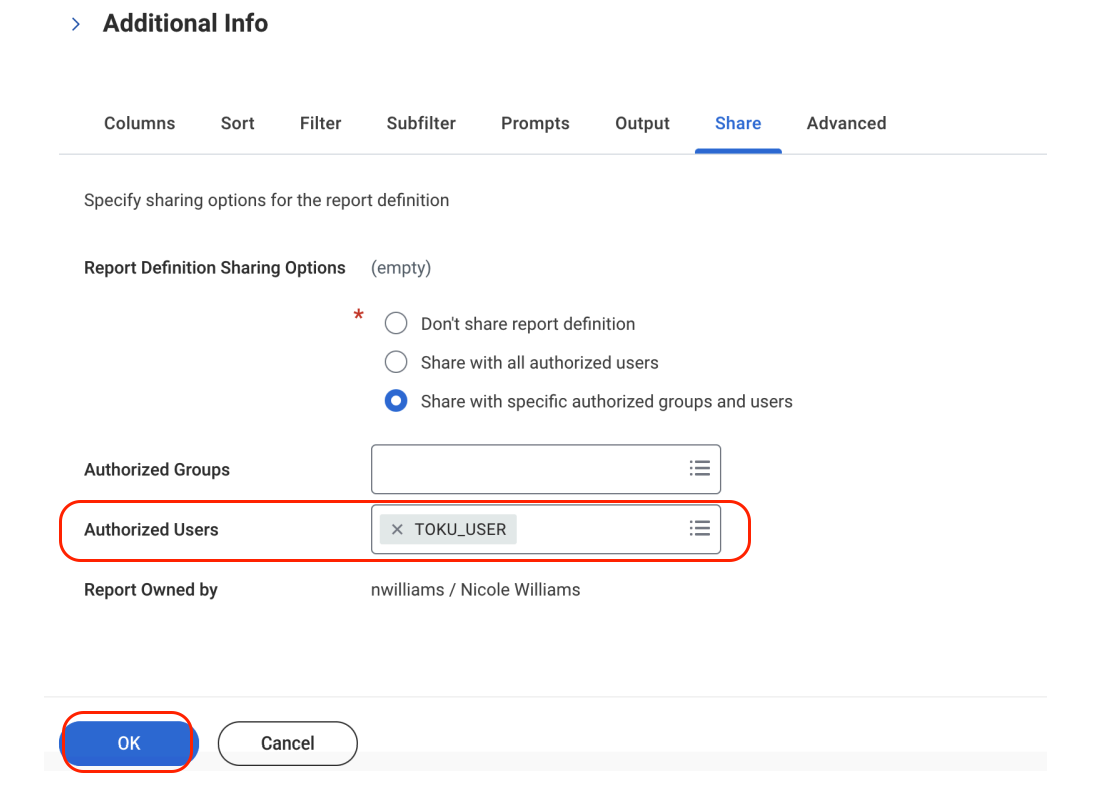
Ensure TOKU_USER is added as an authorized user for the report and correct Report Owner
Search for TOKU_EMPLOYEE_DEMOGRAPHICS and TOKU_PAYROLL_REPORTS both and do the following for both.
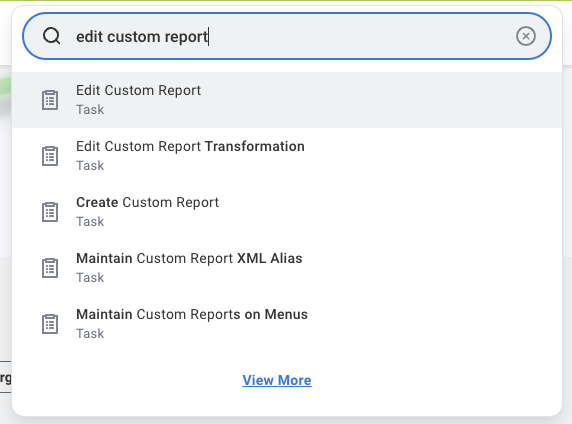
In Workday search for “Edit Custom Report”
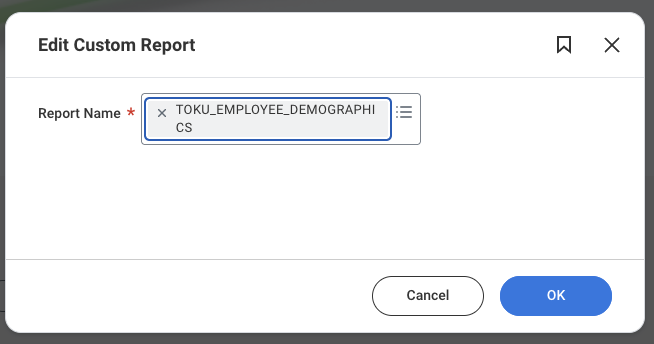
Search for the report.
Click “Share” and ensure that the first section before the “/” (Which is your report owner), is the same as what exists on the Toku platform at https://tga.app.toku.com/admin/stableCoinPayroll/integrations
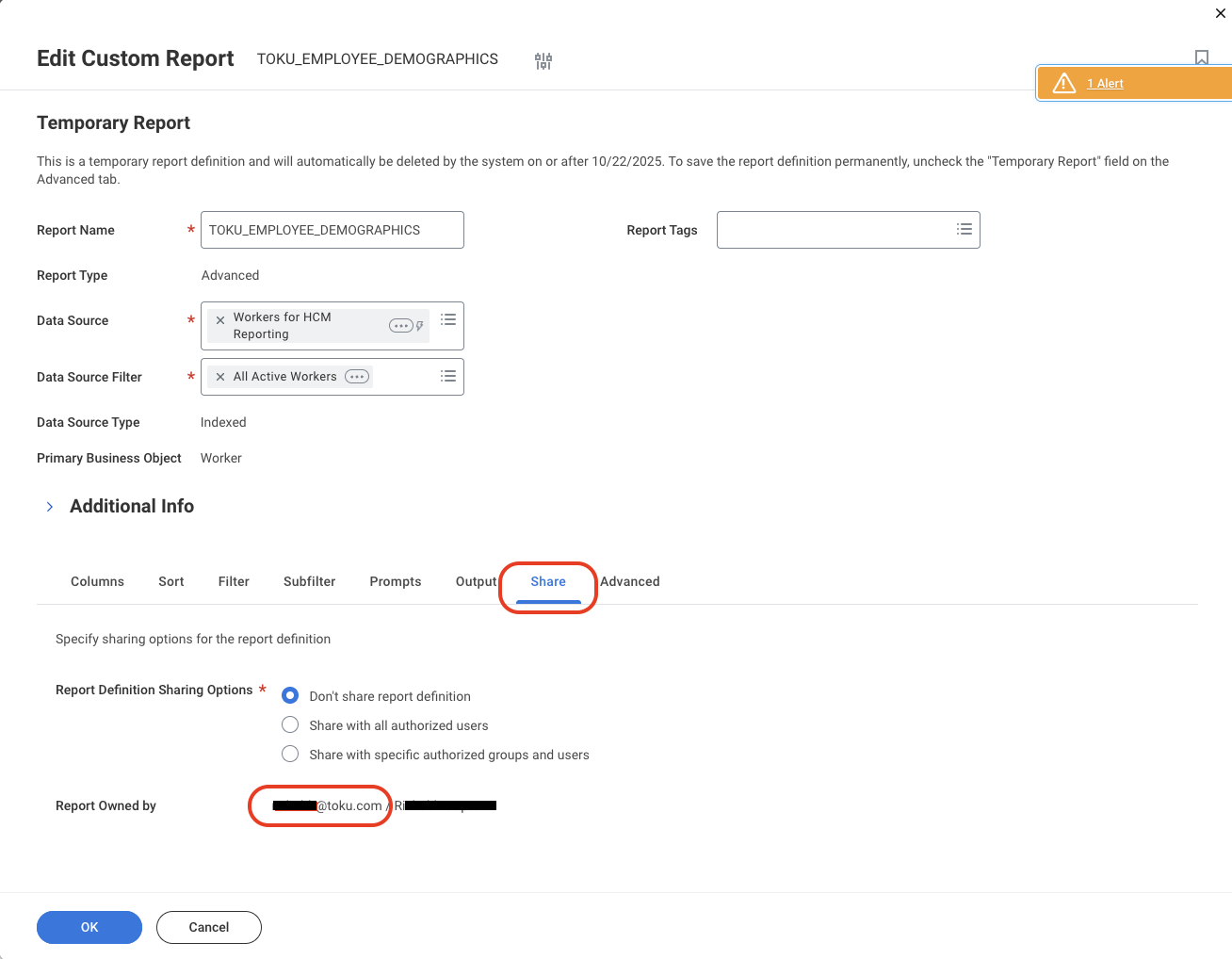
In the same “Share” section ensure TOKU_USER as an Authorized User for the report.