
 1 MIN READ
 UPDATED OCT 30, 2026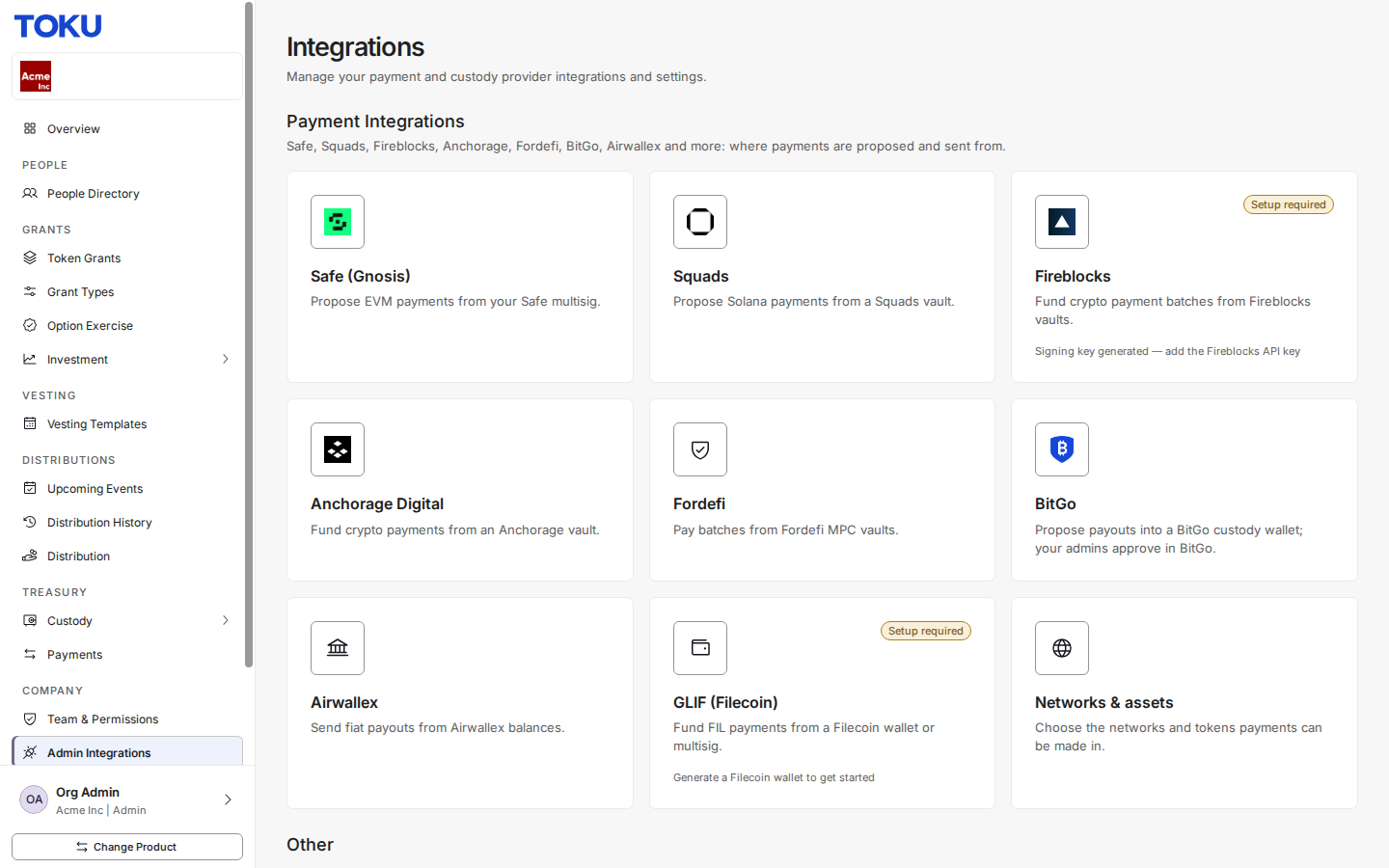
How to connect a payment integration
Step-by-step walkthrough for setting up a custody integration in TGA
Custody integrations connect TGA to an external wallet or custody provider so tokens can be held, vested, and distributed on-chain. Complete this setup before processing distributions.
Step 1: Navigate to Integrations
In the left sidebar, under Company, click Admin Integrations.
Step 2: Review available providers
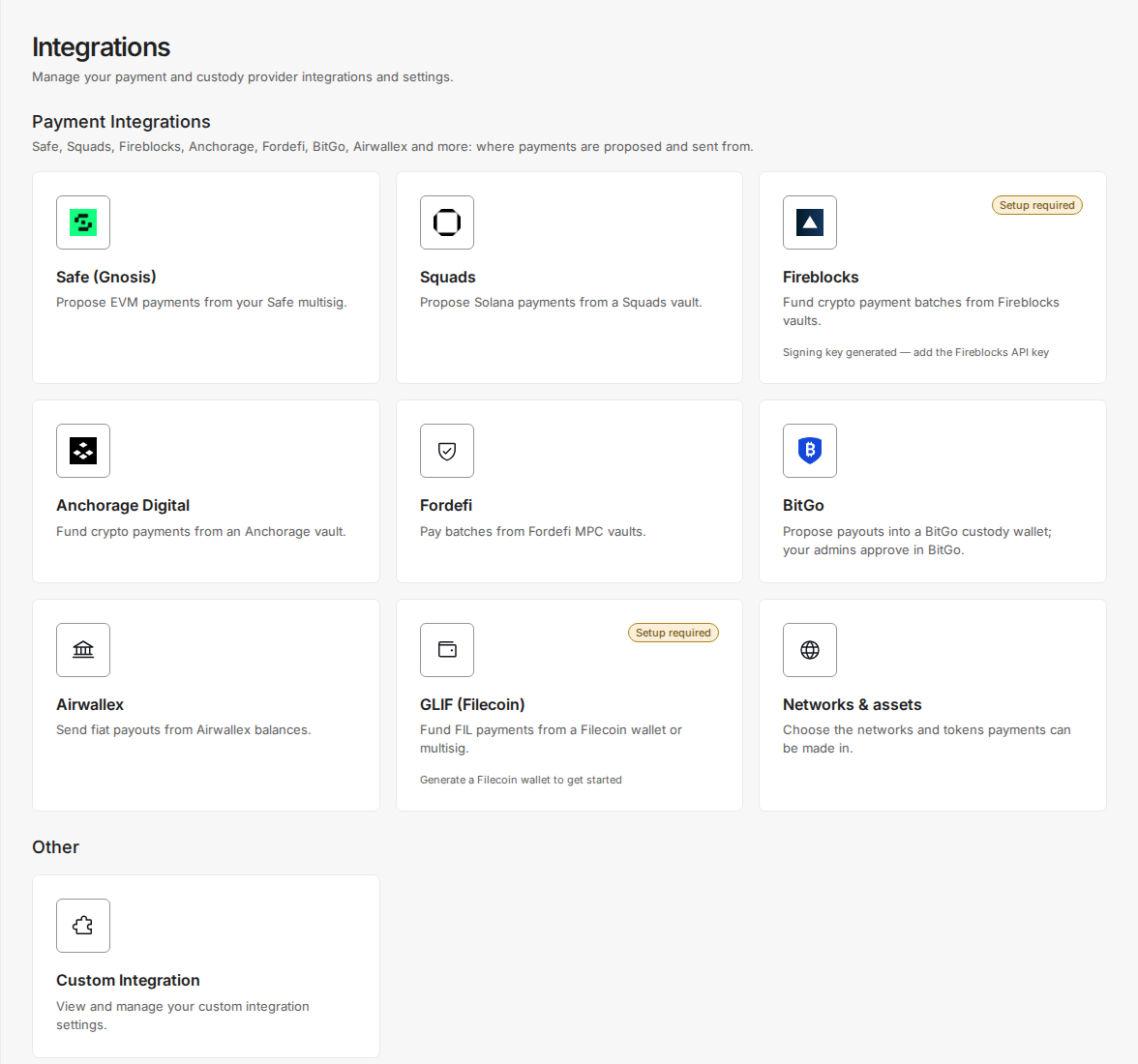
The Integrations page lists all available providers under Payment Integrations. Select the one that matches your organization’s custody setup.
Step 3: Select your provider
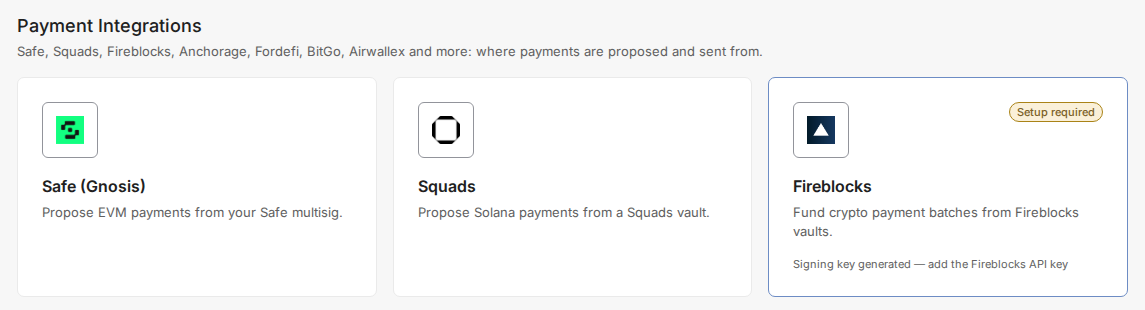
Click the provider card to open its configuration dialog.
Step 4: Configure the connection
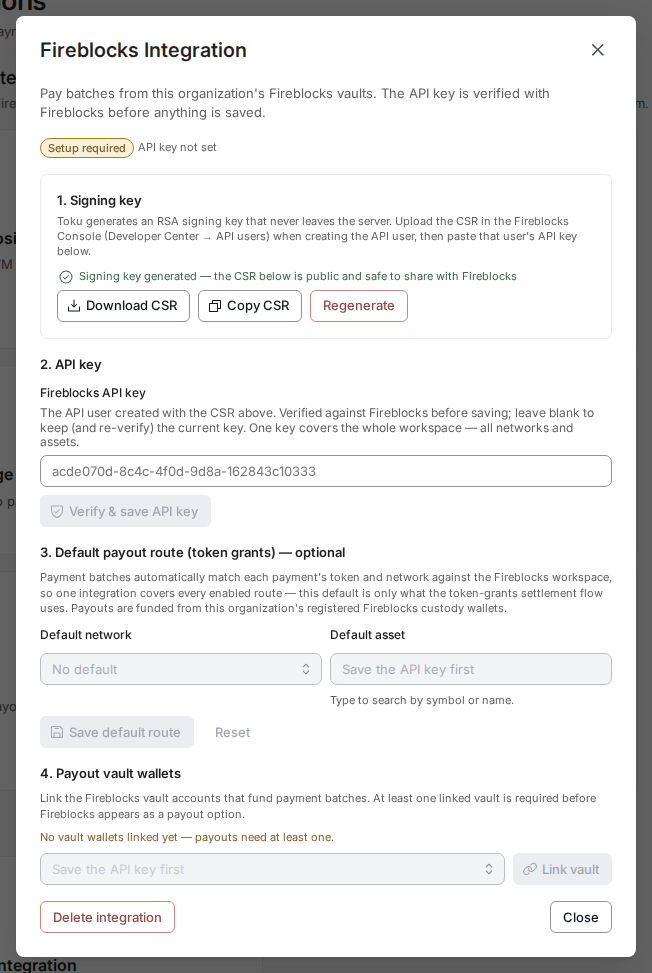
Follow the numbered steps in the dialog and enter the required credentials for your provider. The system verifies the API key with the provider before saving.
| Provider | Required credentials |
|---|---|
| Fireblocks | API key of the API user you create with the CSR Toku generates; at least one linked vault account |
| Anchorage | API key created against the public key Toku generates; grants vault |
| Safe (Gnosis) | Proposer keys (generated in Toku), then one Safe account per network |
🔒 Keep your custody API keys secure. Rotate them immediately if they are ever exposed, then update the credentials in Integrations.