
 1 MIN READ
 UPDATED OCT 30, 2026
This is a complete step-by-step guide to connect you Fireblocks custody management with Toku.
Toku Installation Instructions
Please follow these steps in order to establish the connection between Fireblocks and Toku. Once connected, stablecoin settlements can be proposed to your Fireblocks account during the settlement flow
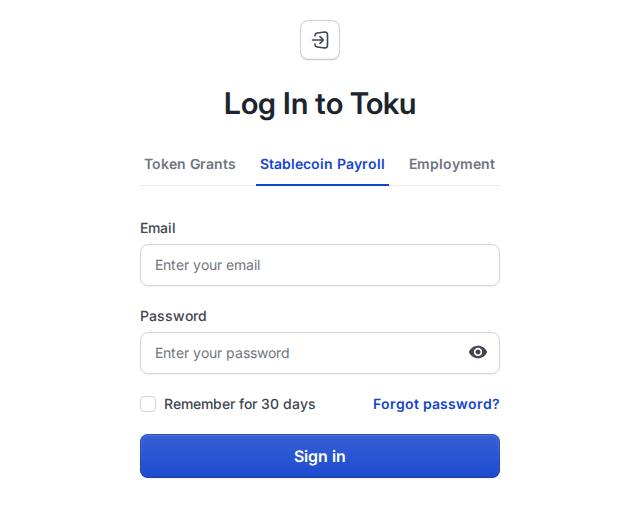
- Login into your Toku profile at https://app.toku.com/login
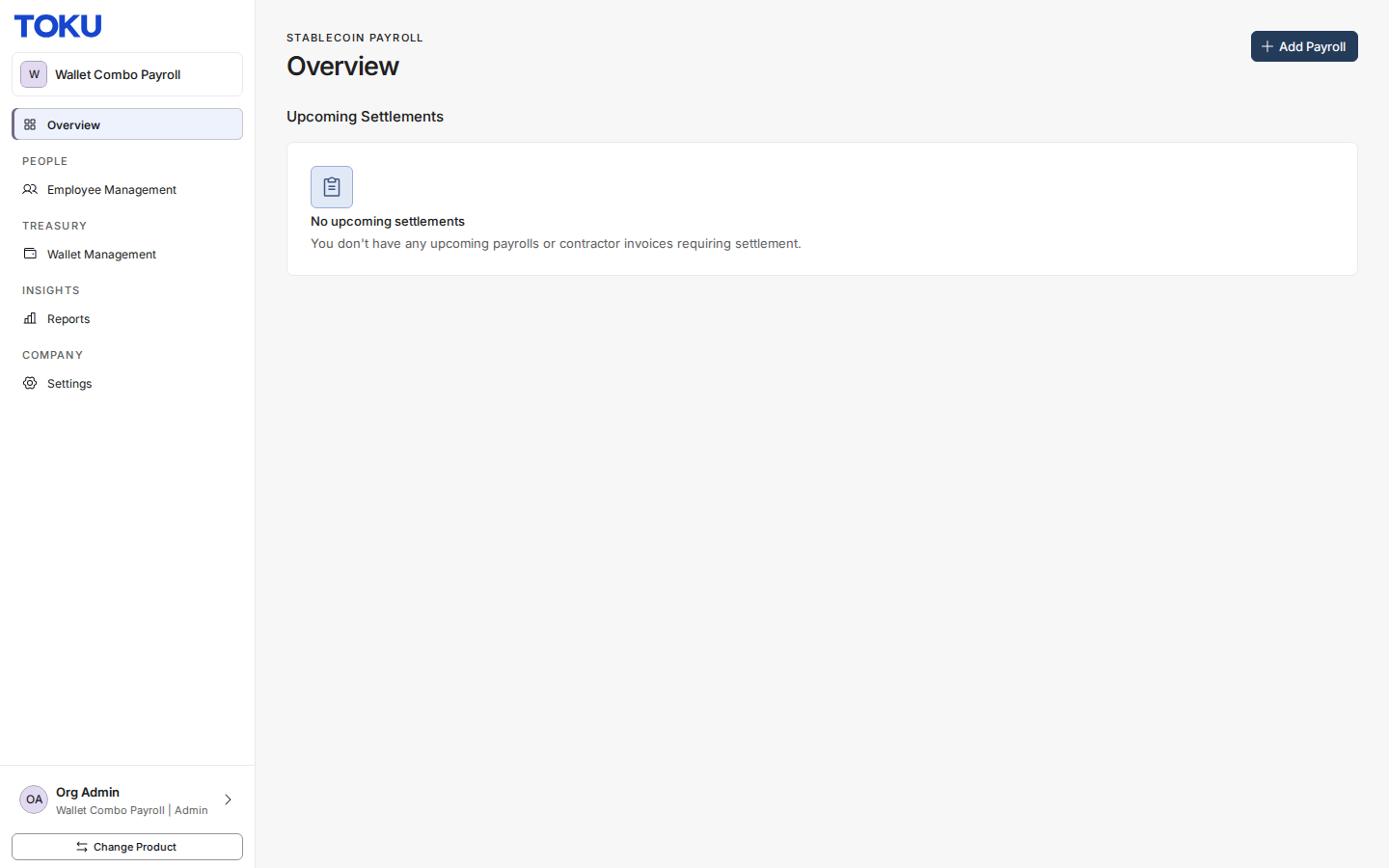
- Click on Settings in the left side navbar
- Click on Payment Integrations Card
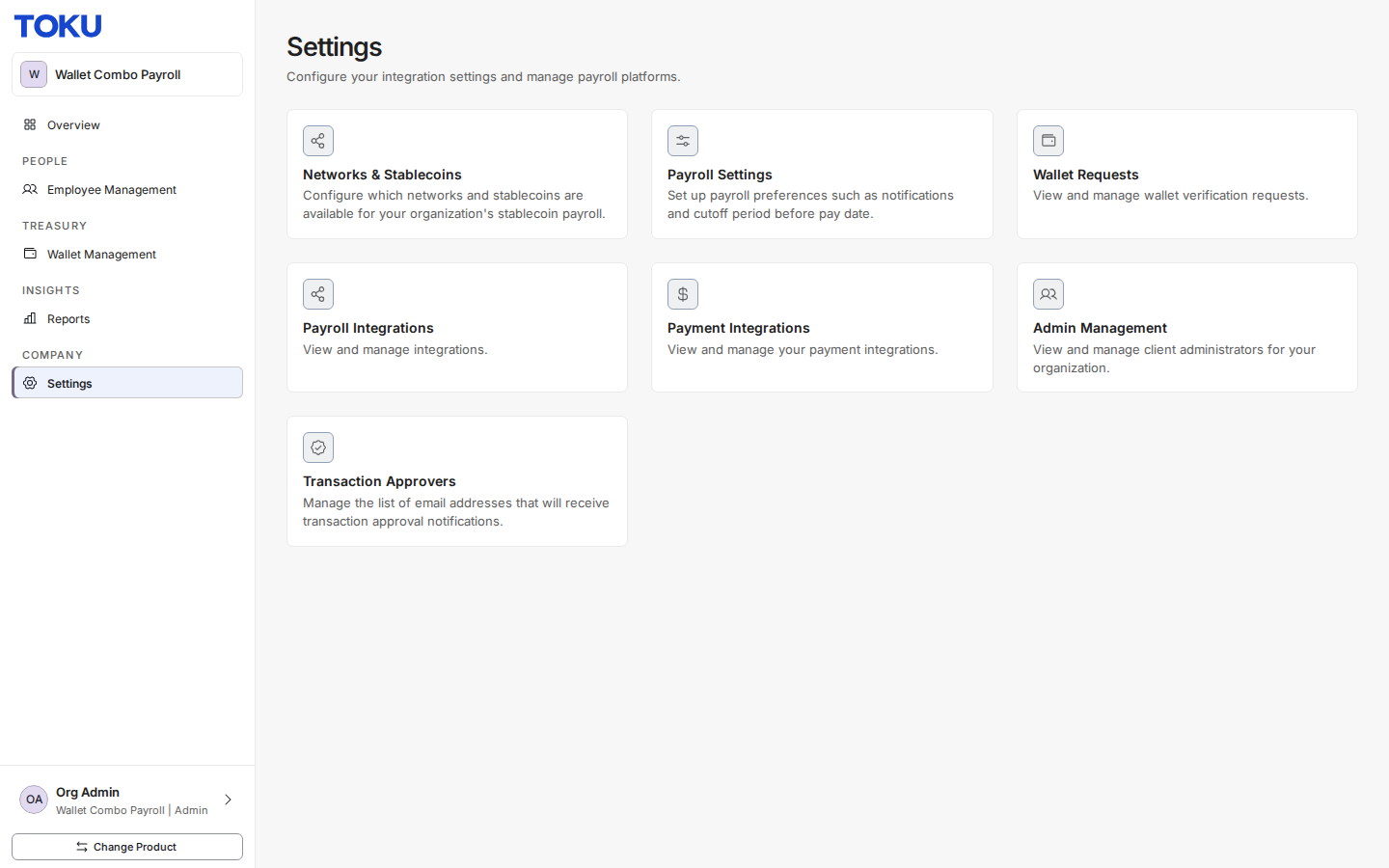
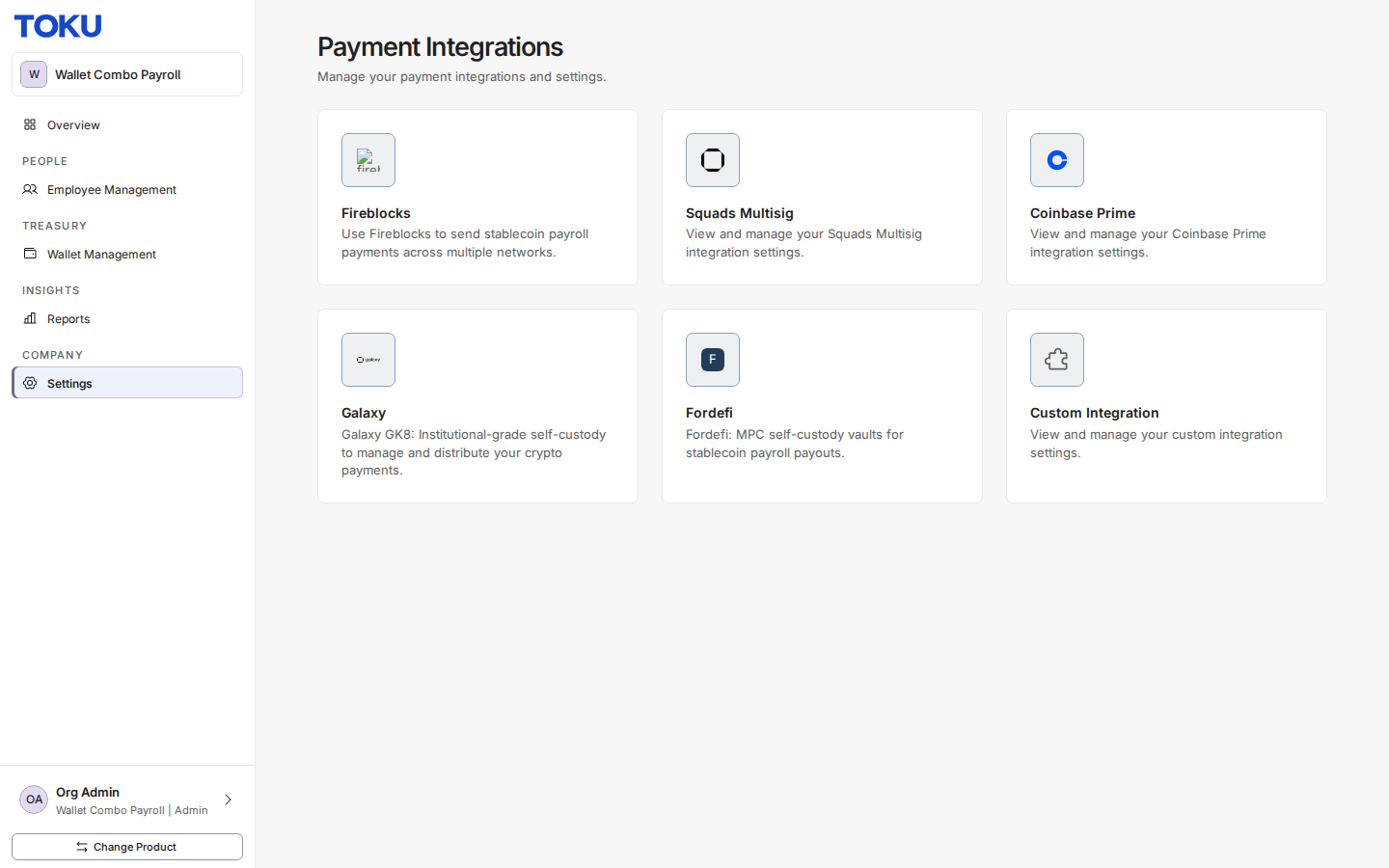
- Click on the Fireblocks Integration
- Select “Get Started”
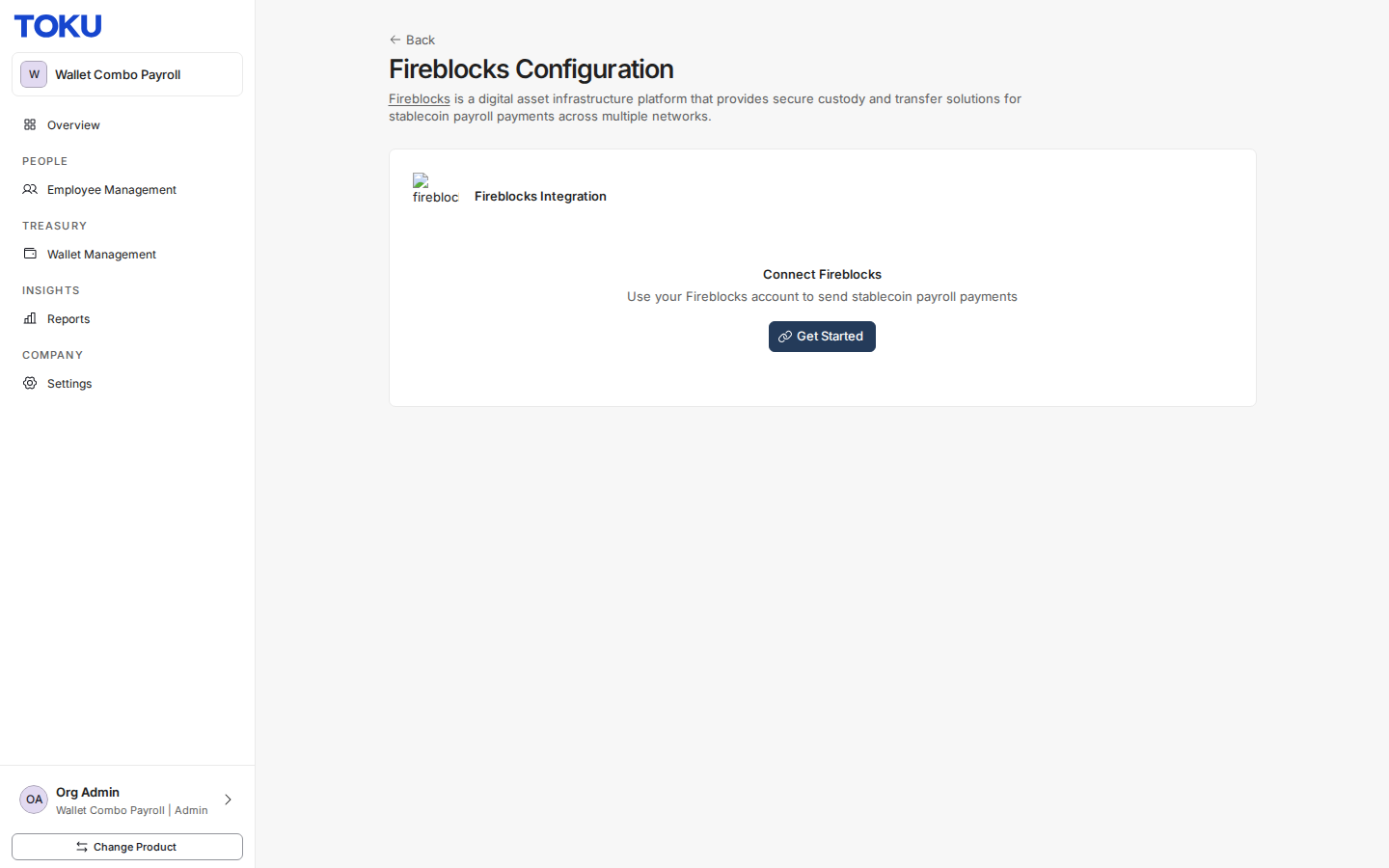
- Generate your RSA Key Pair to share secure information with Fireblocks
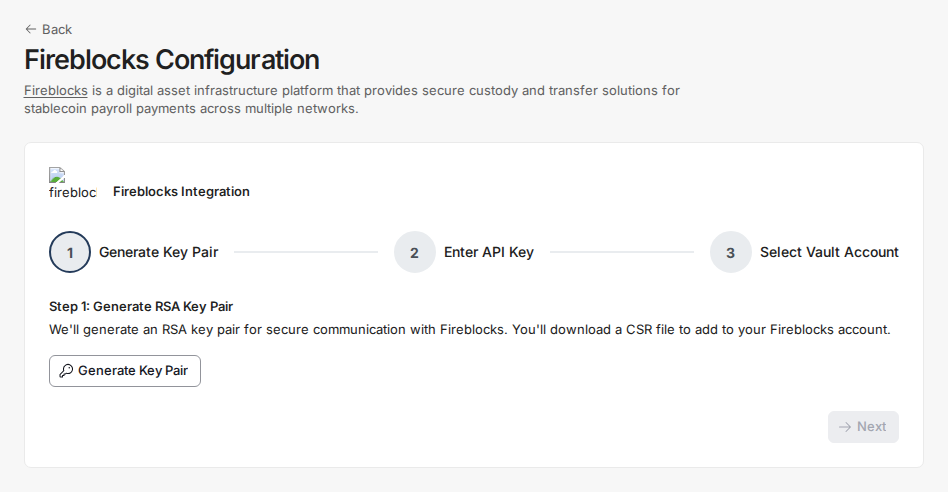
- Download your CSR file and add this to your Fireblocks account under Settings → API Users. Fireblocks will generate an API key for you.
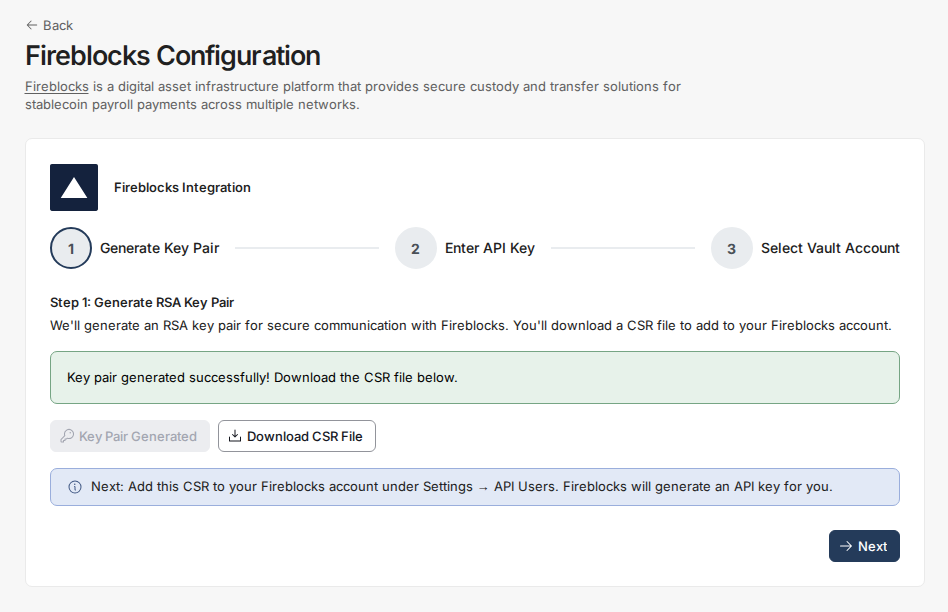
- Enter your API Key
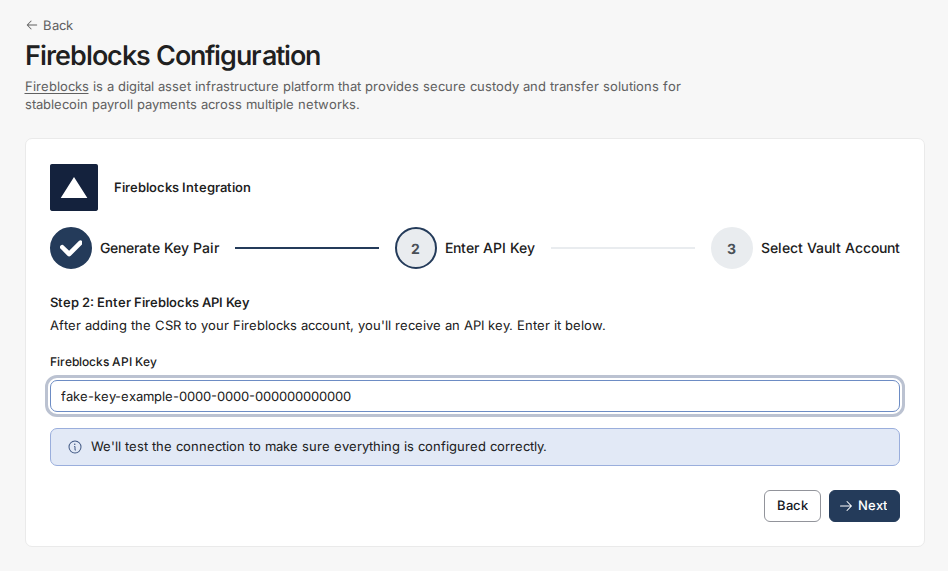
- Select the Vault you would like to settle your Toku payments with, then click “Complete Setup”
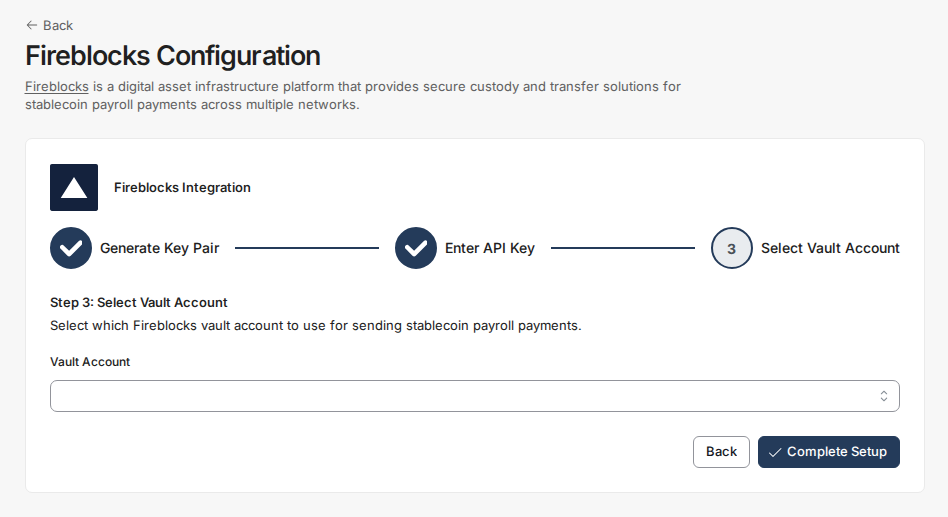
- Your Fireblocks integration is now active.
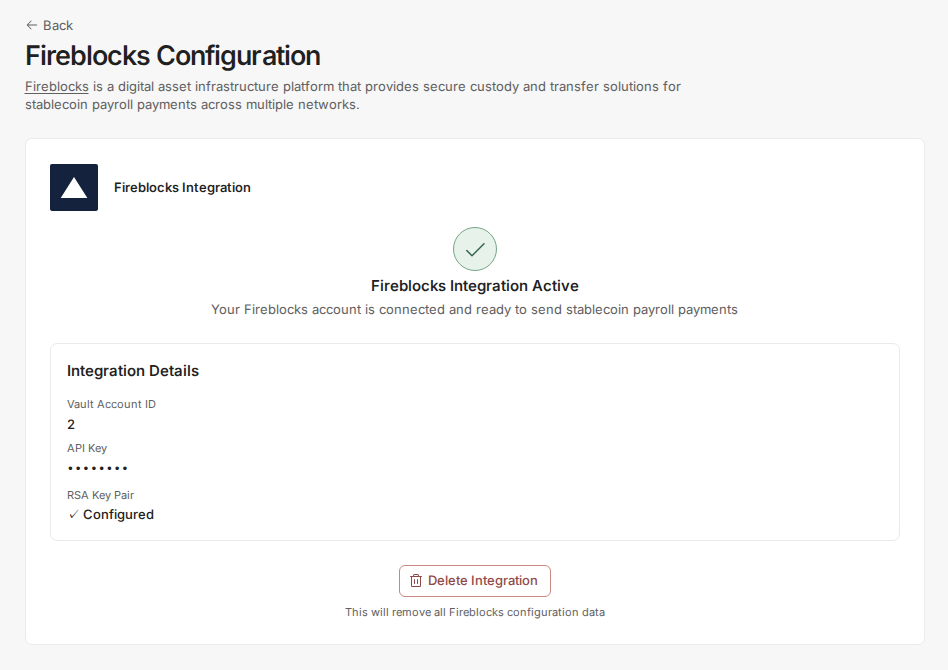
Your payroll admins can now propose settlements to your Fireblocks account