How To Send a Invitation email to your Employee

How-toLibraryclock icon1 MIN READ·calendar iconUPDATED FEB 17, 2026

Learn how to invite employees to your Toku account by navigating to the Employee Management section and sending invitation emails in bulk. This guide walks you through each step from the dashboard to sending invitations.

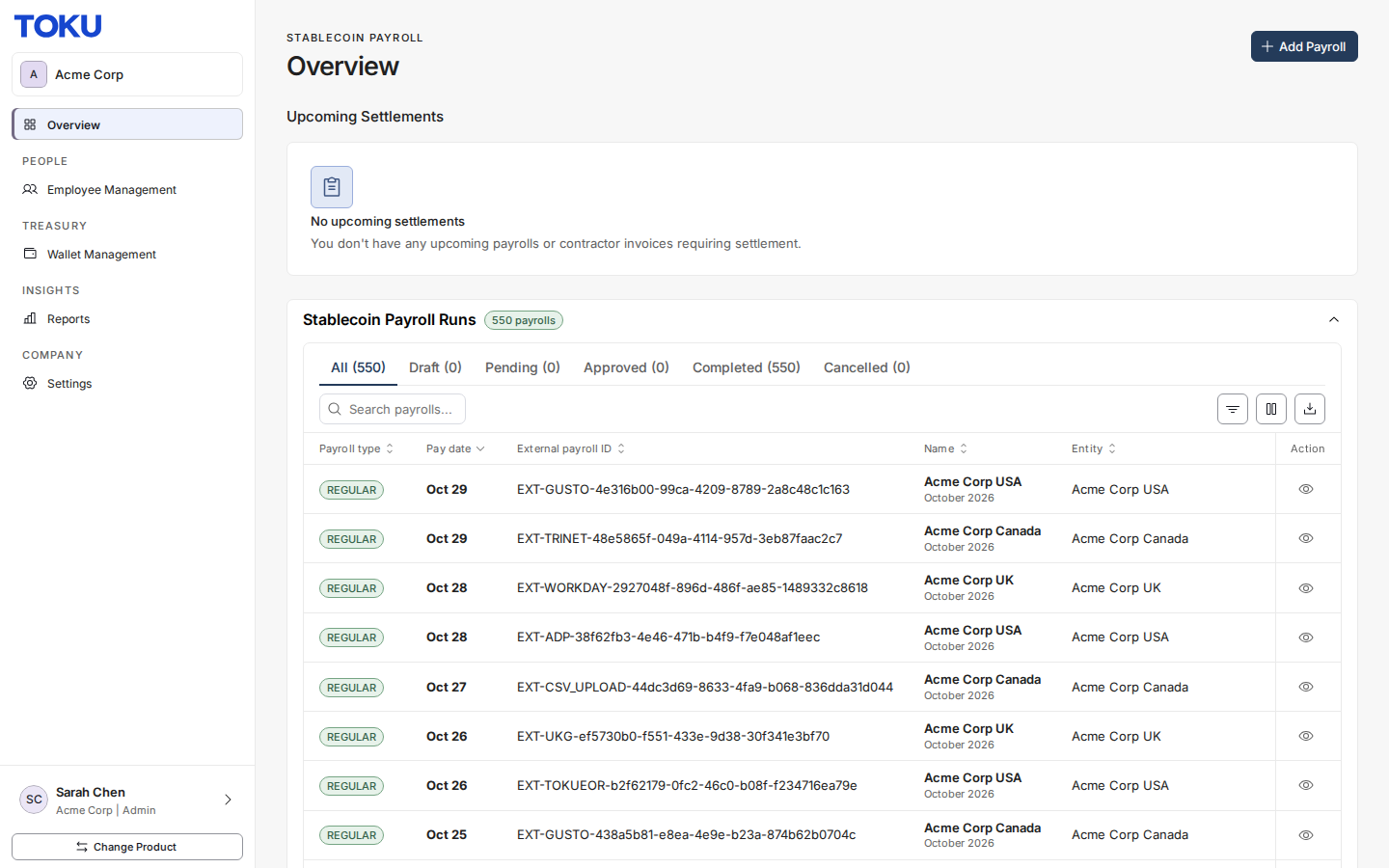
  1. Navigate to https://tga.app.toku.com/dashboard

Image

  1. Click “Reports”

Image

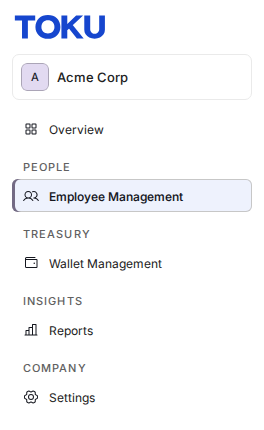
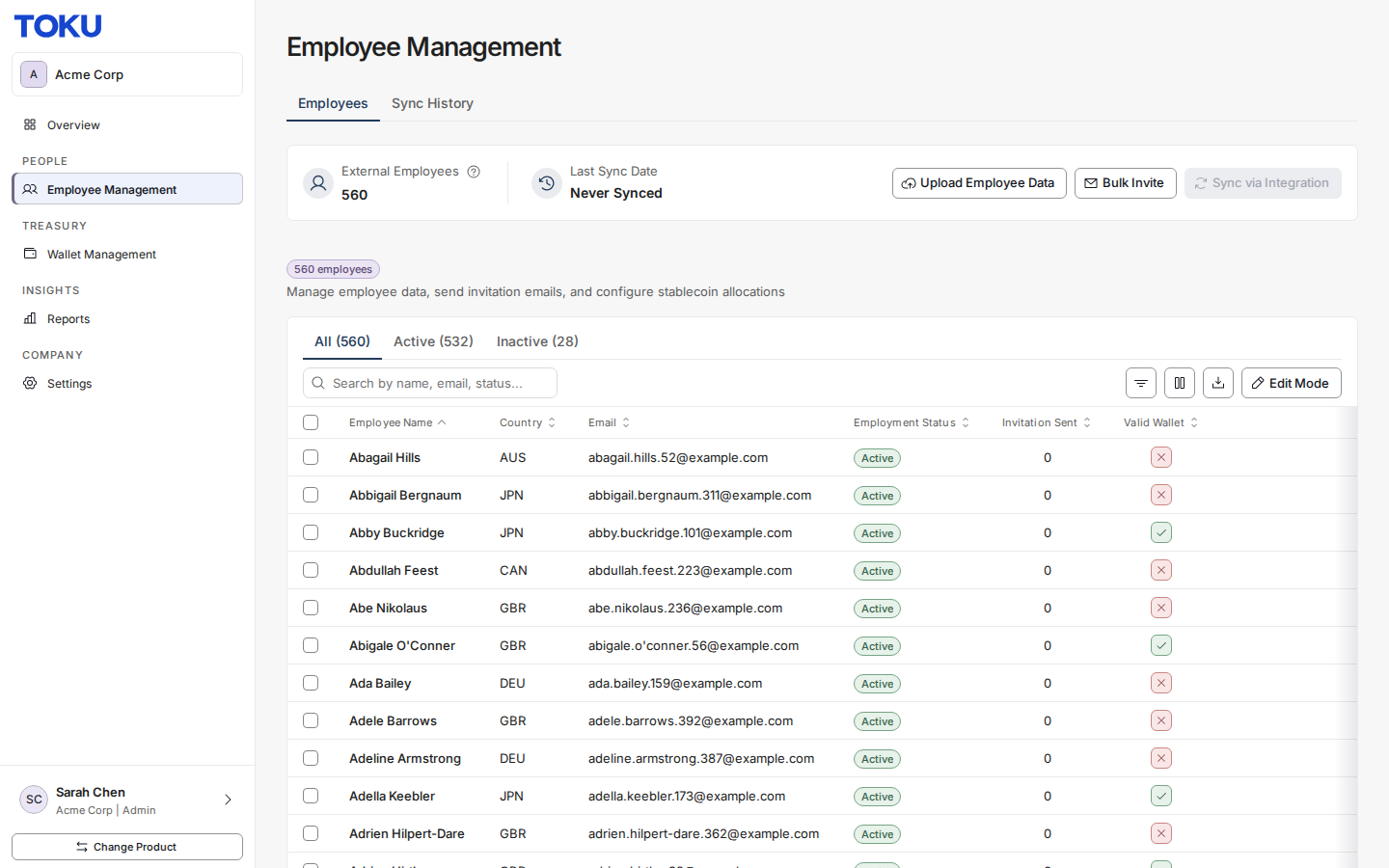
  1. Click “employee Management”

Image

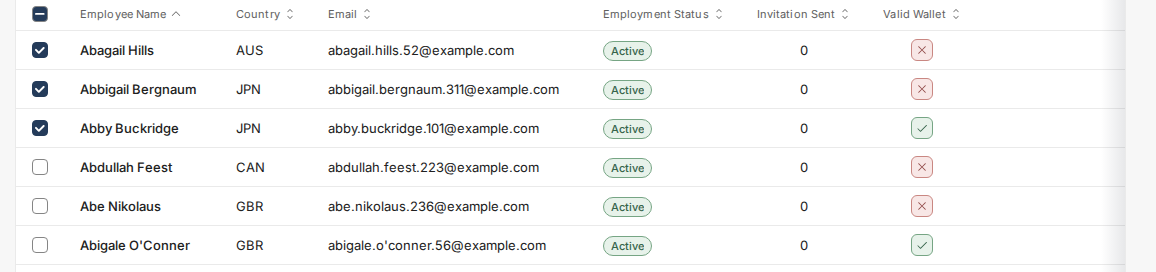
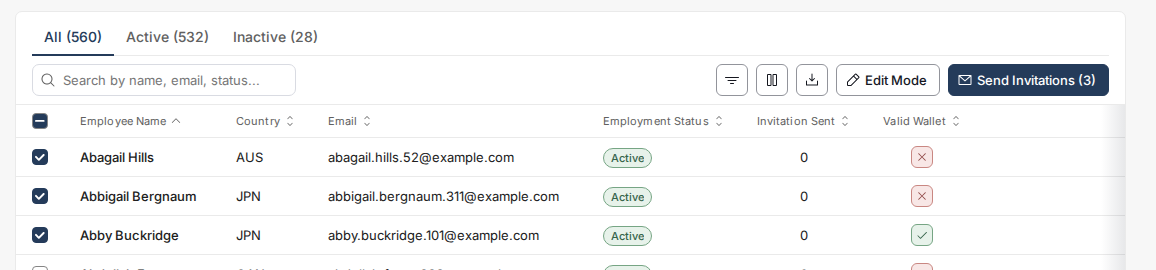
  1. Select the employees

Image

  1. Click “Send Invitation Email”

Image

Was this article helpful?

Can't find what you're looking for?

The Toku AI assistant has read every article. A human specialist reviews every submission.