
 1 MIN READ
 UPDATED JUL 23, 2026
This is a complete step-by-step guide to connect your Bridge account with Toku.
Toku Installation Instructions
Please follow these steps in order to establish the connection between Bridge and Toku. Once connected, stablecoin settlements can be proposed to your Bridge account during the settlement flow
- Login into your Toku profile at https://tga.toku.com/login?product=stablecoin_payroll under the “Stablecoin payroll” tab
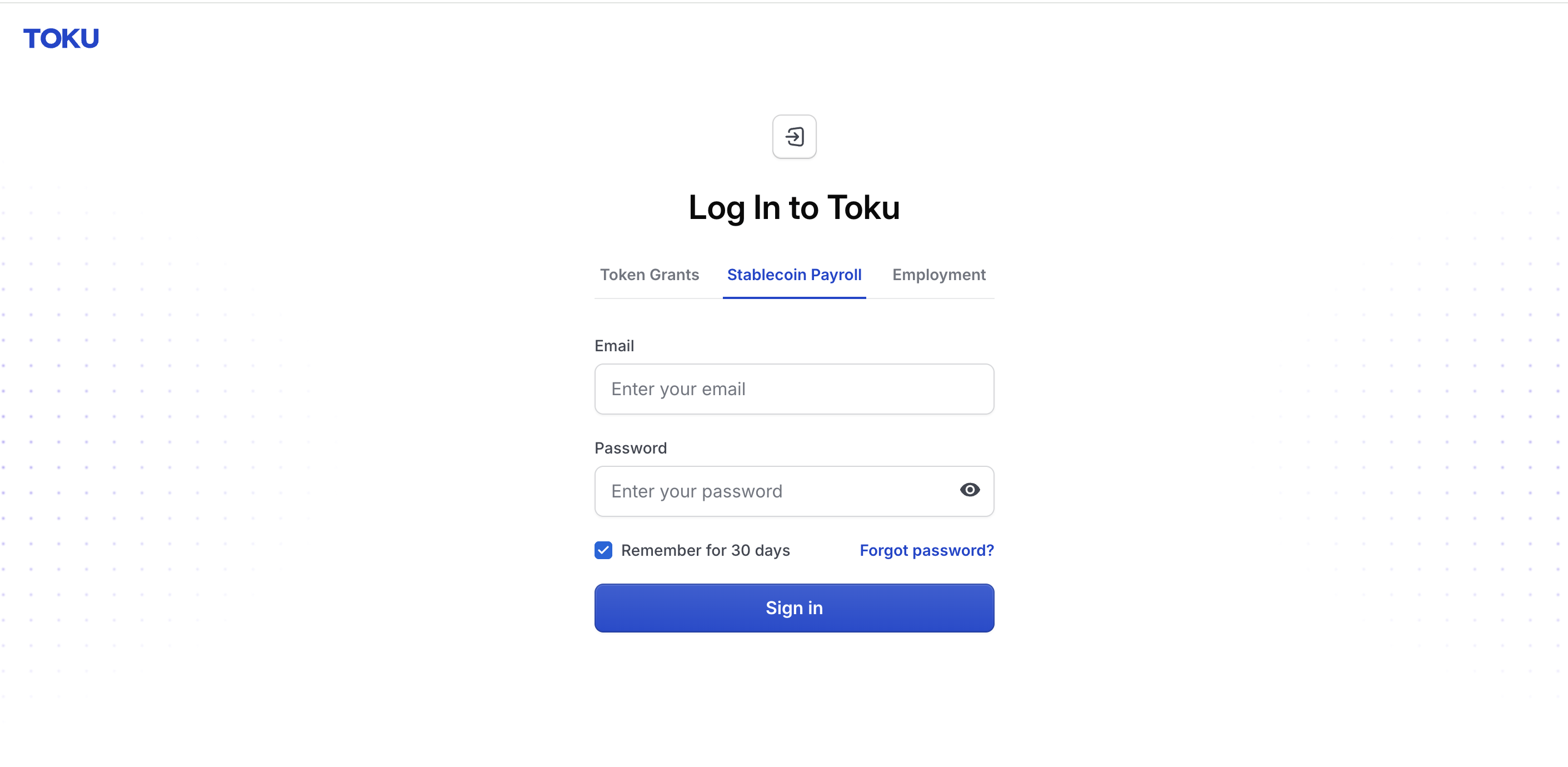
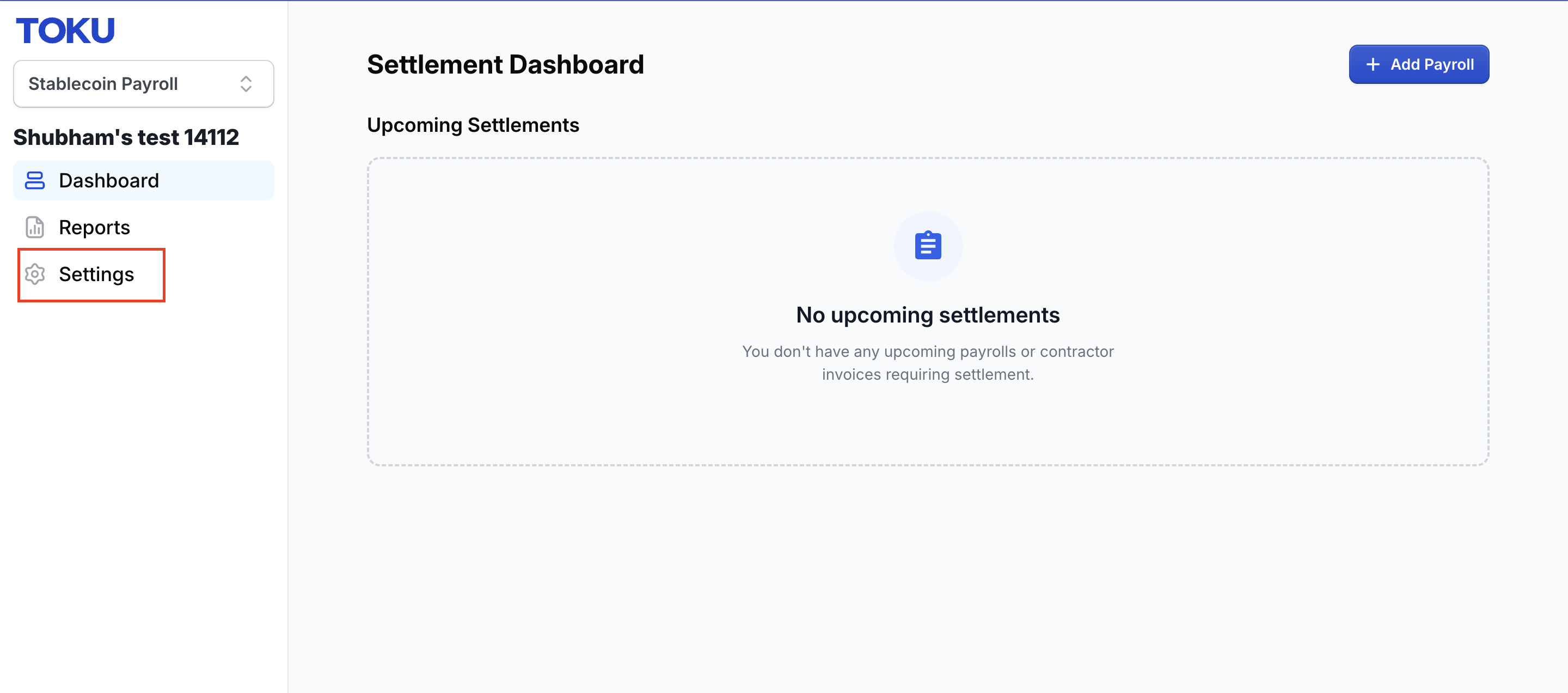
- Click on Settings in the left side navbar
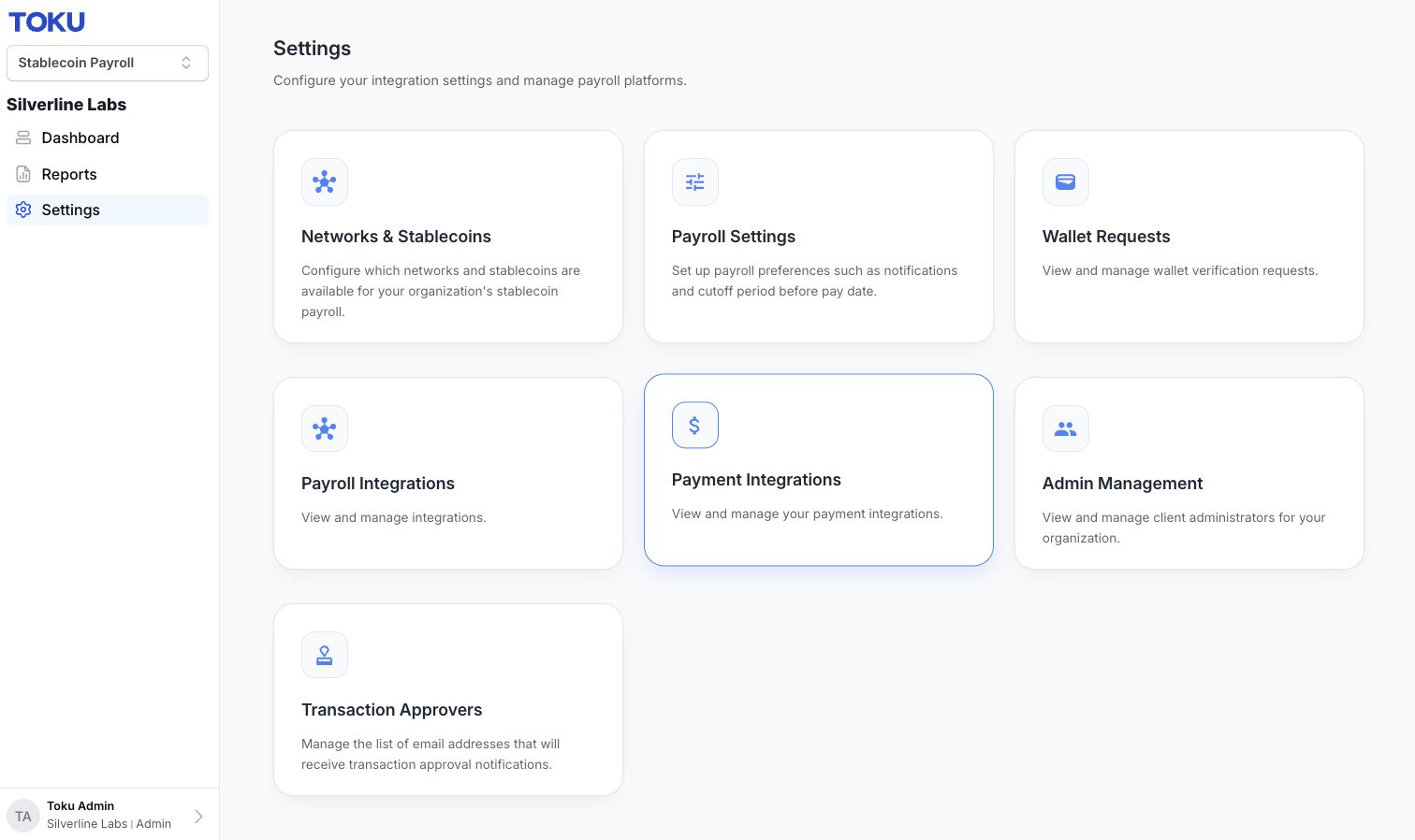
- Click on Payment Integrations Card
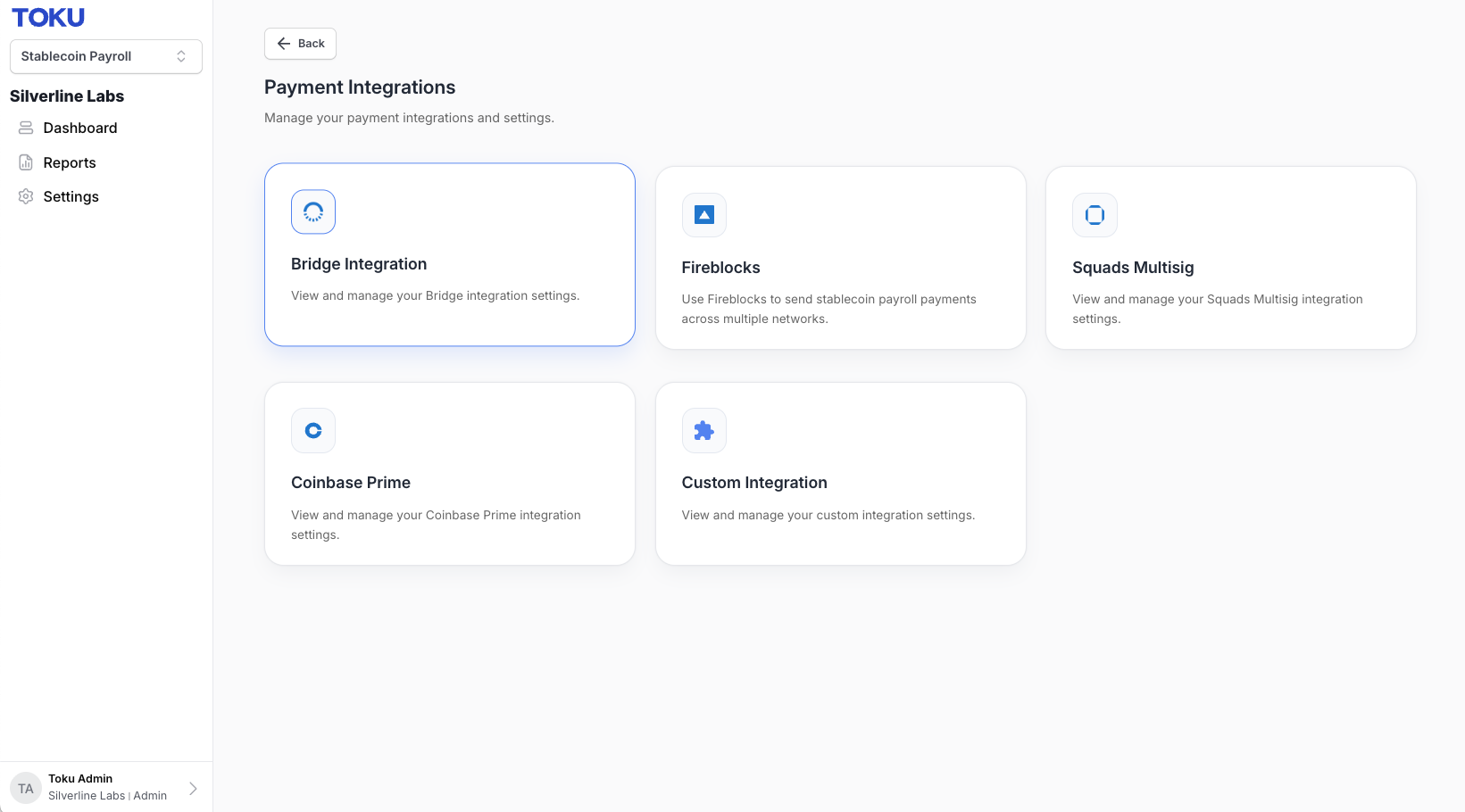
- Click on the Bridge Integration
- Select “Create Customer” and fill out your primary administrator details
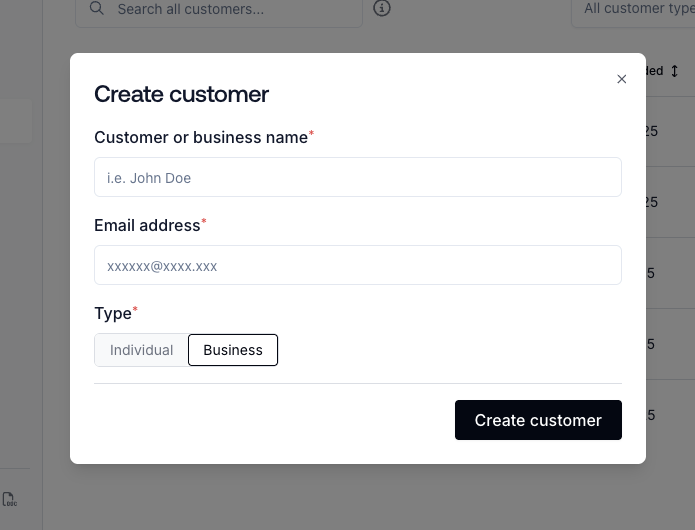
- Request your features based on the type of conversion needed for your account
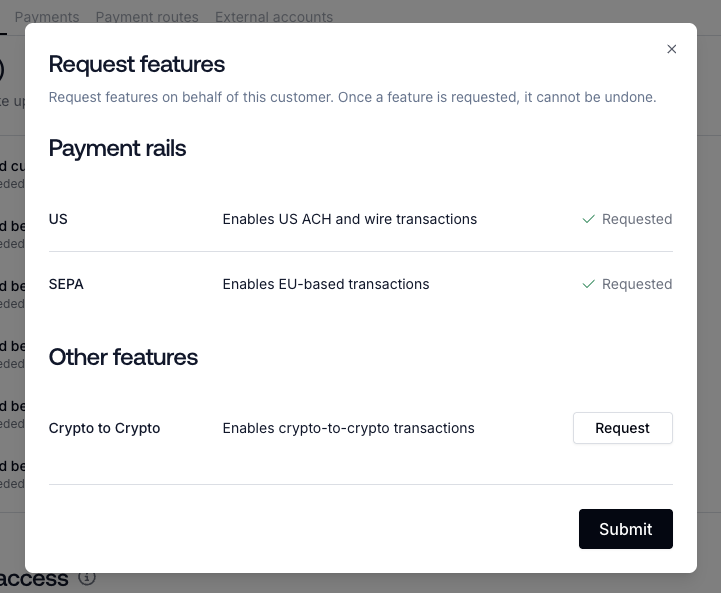
- After completing the Persona form emailed to you for each feature type you will be granted access to convert based on your feature. You can always come back and add more later.
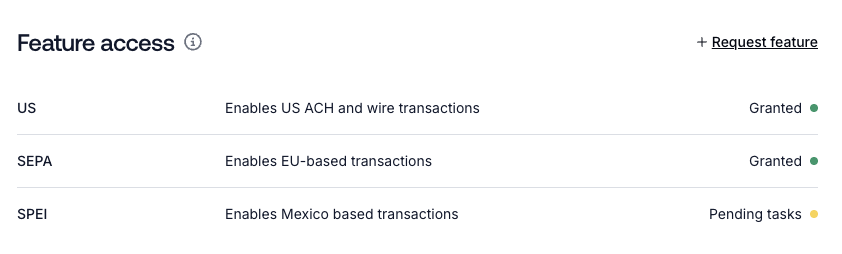
- Your Bridge integration is now active. Your payroll admins can now propose settlements to your Bridge account