
 3 MIN READ
 UPDATED OCT 30, 2026
⚠️ Contractor invoice and payment deadlines: late action means late payment
- Contractors: submit invoices by the 19th of each month. A saved draft is not a submitted invoice.
- Admins: approve invoices by the 21st of each month. Submission alone does not authorize payment.
- Funding: Toku must receive cleared funds 4 - 5 business days before payout. Initiating a transfer or sending proof of payment does not meet the deadline.
- Standard monthly payout: the last day of the month, provided submission, approval, and funding deadlines are met. Late submission, approval, or funding will delay payment. Every day of delay pushes payment back by at least one day. A missed payment cycle can cause a longer delay; the invoice due date is not a guarantee of payment.
Automation does not remove these deadlines. Earlier published holiday deadlines take precedence; see Toku: 2026 End-of-Year Payroll & Payment Guide.
📘 For employees, contractors, and organization admins on Toku. Last updated October 30, 2026.
Get familiar with your Toku dashboard tabs and find the features you need.
Before you start
- Sign in to your Toku account at app.toku.com — this replaced tga.app.toku.com. Enter your email, select Continue, then your password; there are no product tabs to pick any more.
- Your dashboard layout may vary depending on your role (employee, contractor, or administrator)
Your dashboard overview
- When you log in, you'll see the Overview page with quick-access cards for all your key features. Your left-hand menu lists all available tabs, grouped into sections.
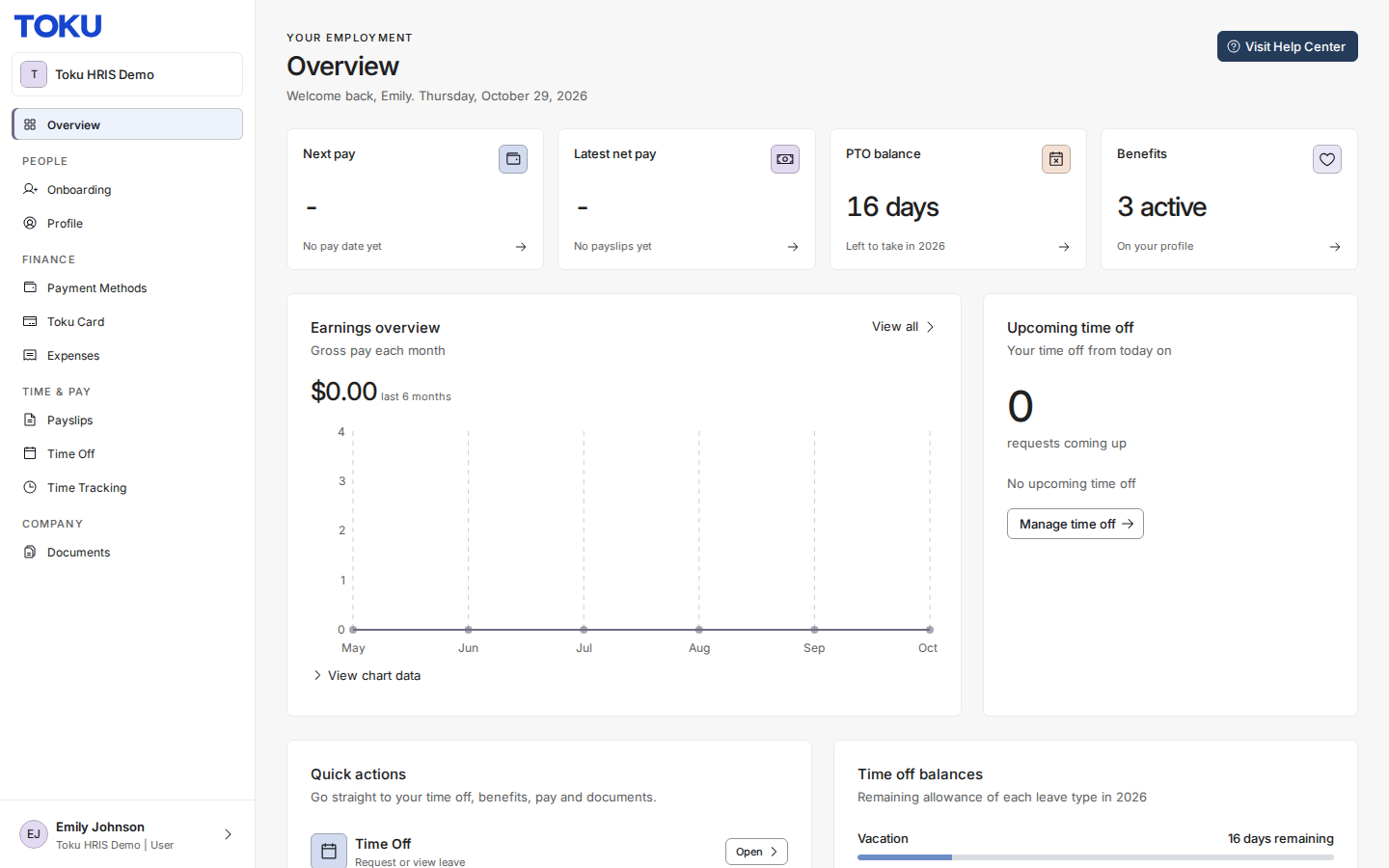
Your Payslips
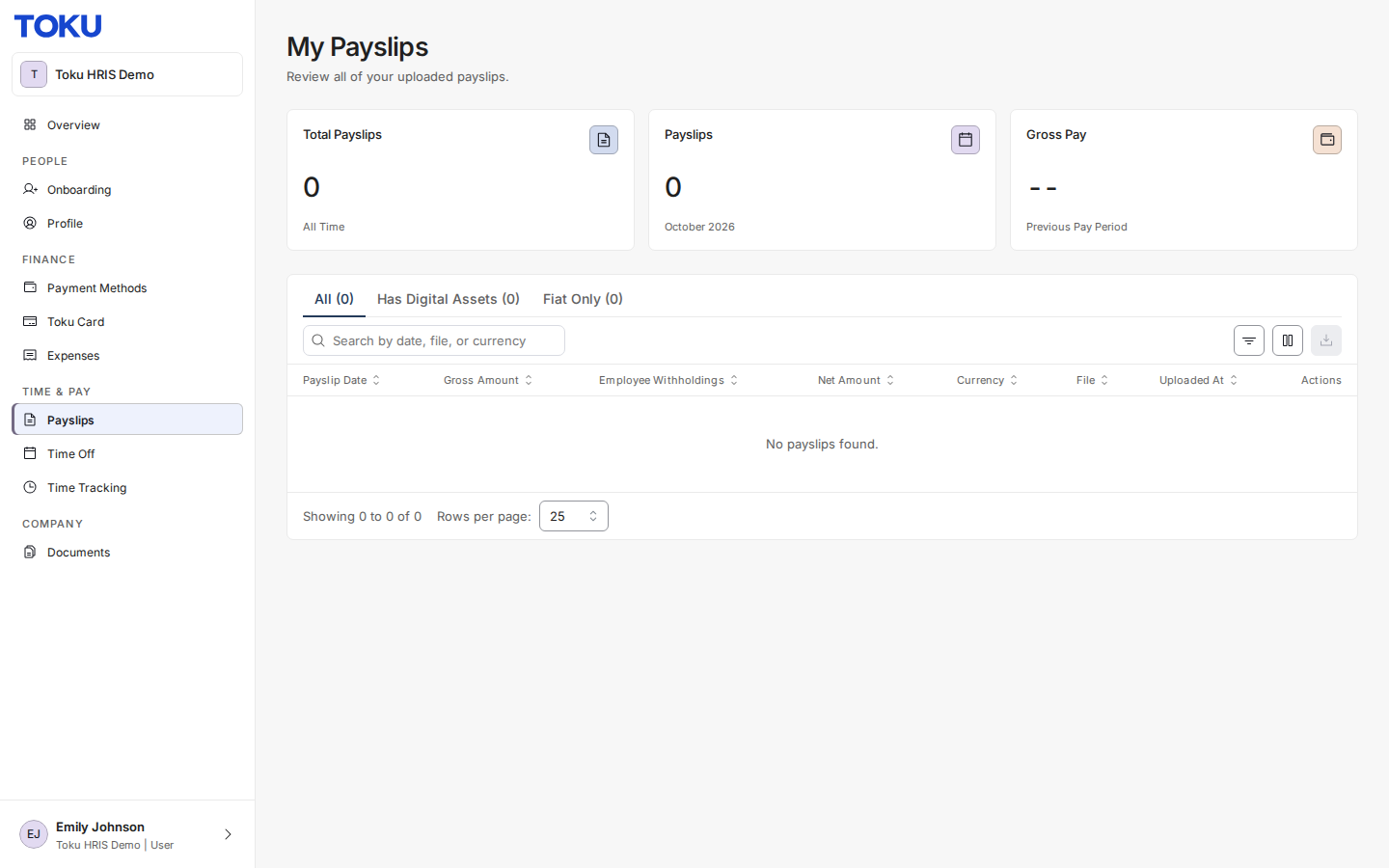
View everything you've earned in one place. The Payslips tab shows your pay in the currency your organization uses.
The table lists each payslip with its date, gross amount, employee withholdings, net amount and currency. Use the download icon in the Actions column to save a copy.
- Open Payslips from the left-hand menu.
Your Documents
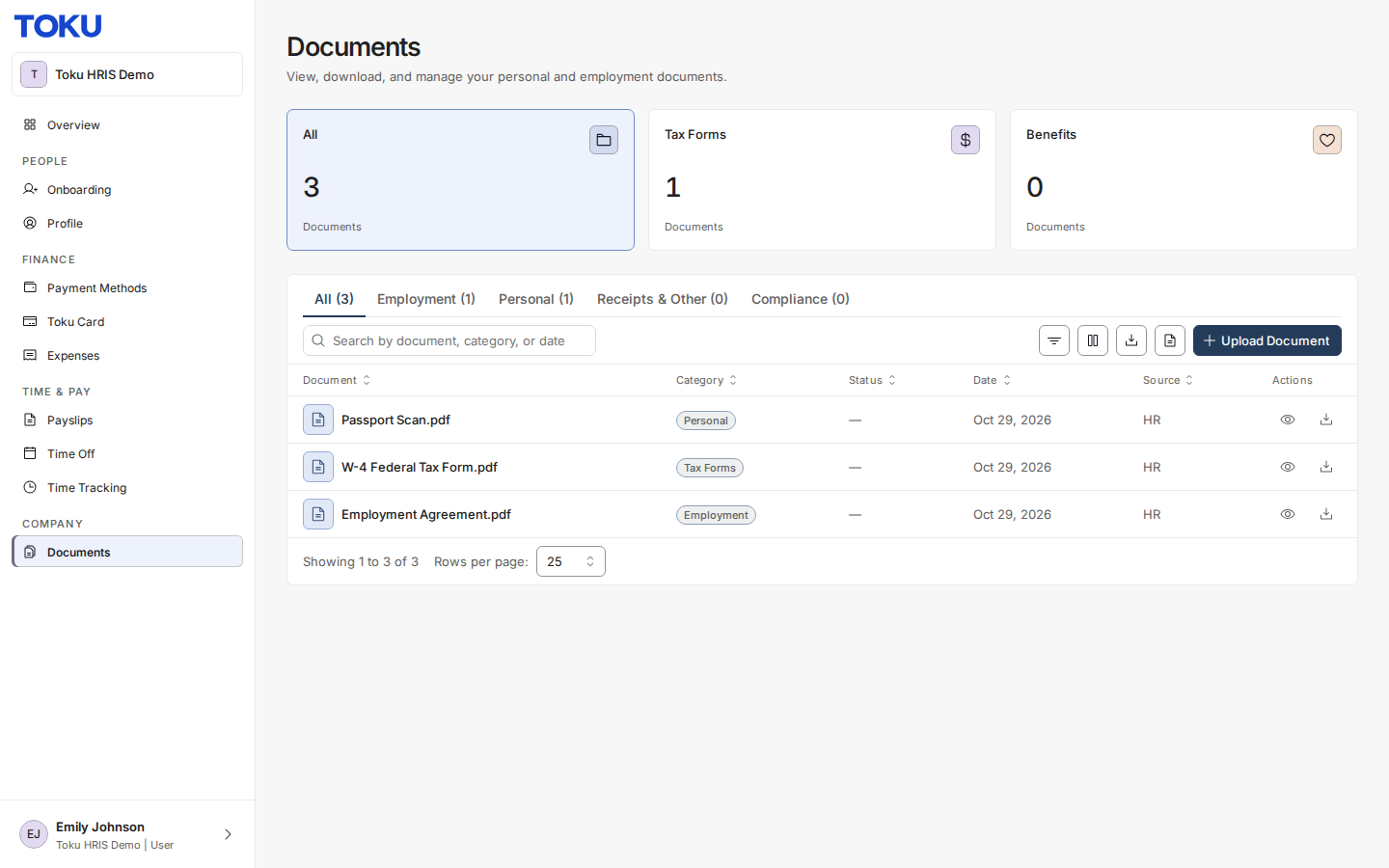
Access all documents related to your employment, including agreements and forms you've signed or completed.
From this tab you can view a document in-app, download it, or upload a document if your organization allows it.
- Open Documents from the left-hand menu. Documents are grouped into categories - Tax Forms, Benefits, Employment, Personal, Receipts & Other and Compliance - with a count for each.
Other dashboard tabs
Profile: View and update your personal information and banking details.
Time Off: Request leave or check your PTO balance.
Expenses: Submit purchases for reimbursement and track their status.
Payment Methods: Add or update payment accounts where your pay will be deposited.
Toku Card: Manage your Toku Card, if your organization offers it.
Invoices: Submit monthly invoices and view your invoice history. This tab appears only for contractors - employees do not see it.
Good to know
- All tabs are accessible from the left-hand menu after you log in.
- Your available tabs depend on your role - contractors may see different options than employees.
- You can download your documents and payslips for your records at any time.
- Changes to your personal information go through a review process and take effect after approval.
Still stuck?
You can email [email protected] to reach our support team. Please include your email address, organization name, and a description of what happened. Screenshots and videos are always welcome to speed up the troubleshooting process. Feel free to reach out any time for further assistance.