
 3 MIN READ
 UPDATED OCT 30, 2026
📘 For organization administrators on Toku. Last updated October 30, 2026.
Learn when a new hire's onboarding invitation may be held during the hiring process, and how to release it.
Before you start
- You're adding a new Professional Employer Organization (PEO) employee through People → Add People.
- Your employment agreement template must be configured for your selected benefits plan (your benefits package setting).
Recognize the hold warning
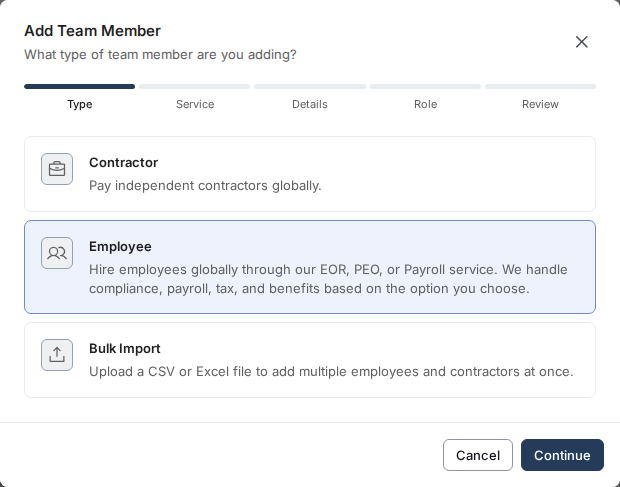
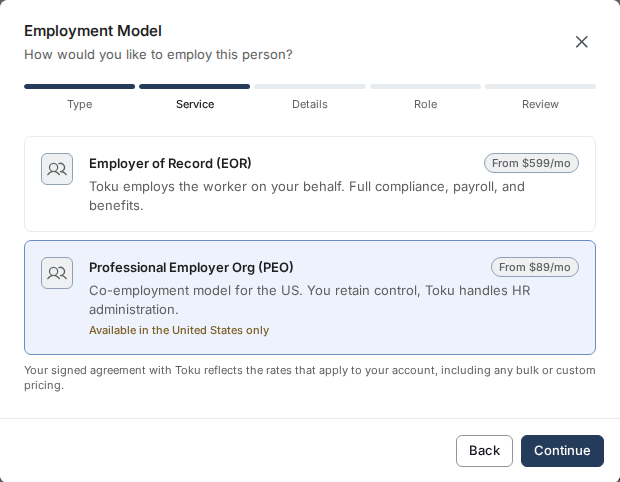
- Open People → Add People. Choose Employee on the Type step, then work through Service, Details and Role until you reach the Review step.
- If the employment agreement is not yet configured for your benefits plan, a notice appears under What happens next on the Review step: "A CS team member will reach out. This person will be added to People and Onboarding, but their invite will not be sent until Toku prepares the employment agreement for this country." That hold stops the onboarding invitation email from going out.
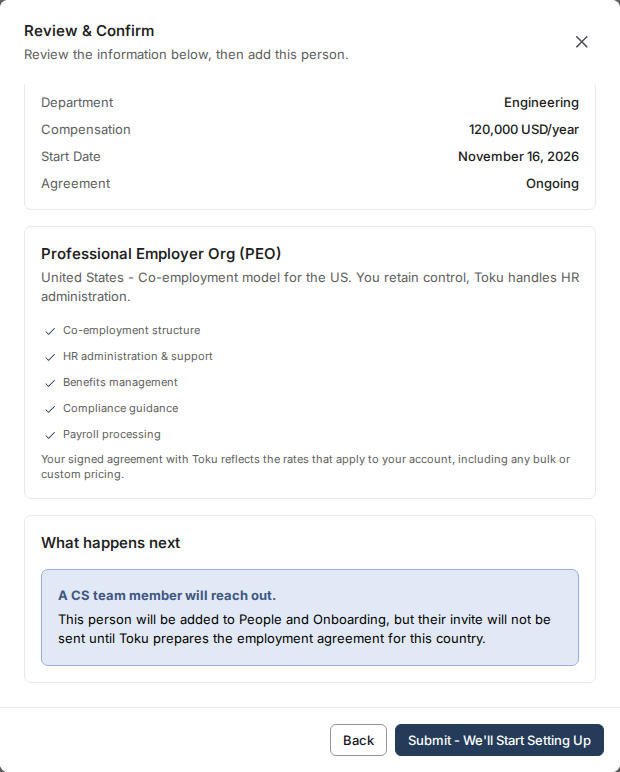
- If you submit despite the warning, the person is created in People, but they won't receive their onboarding email to set up their account.
Resolve the hold by configuring your employment agreement
- Contact your benefits administrator or Toku support to ensure your employment agreement is published and configured for the benefits plan your organization uses (the one set in your benefits package setting).
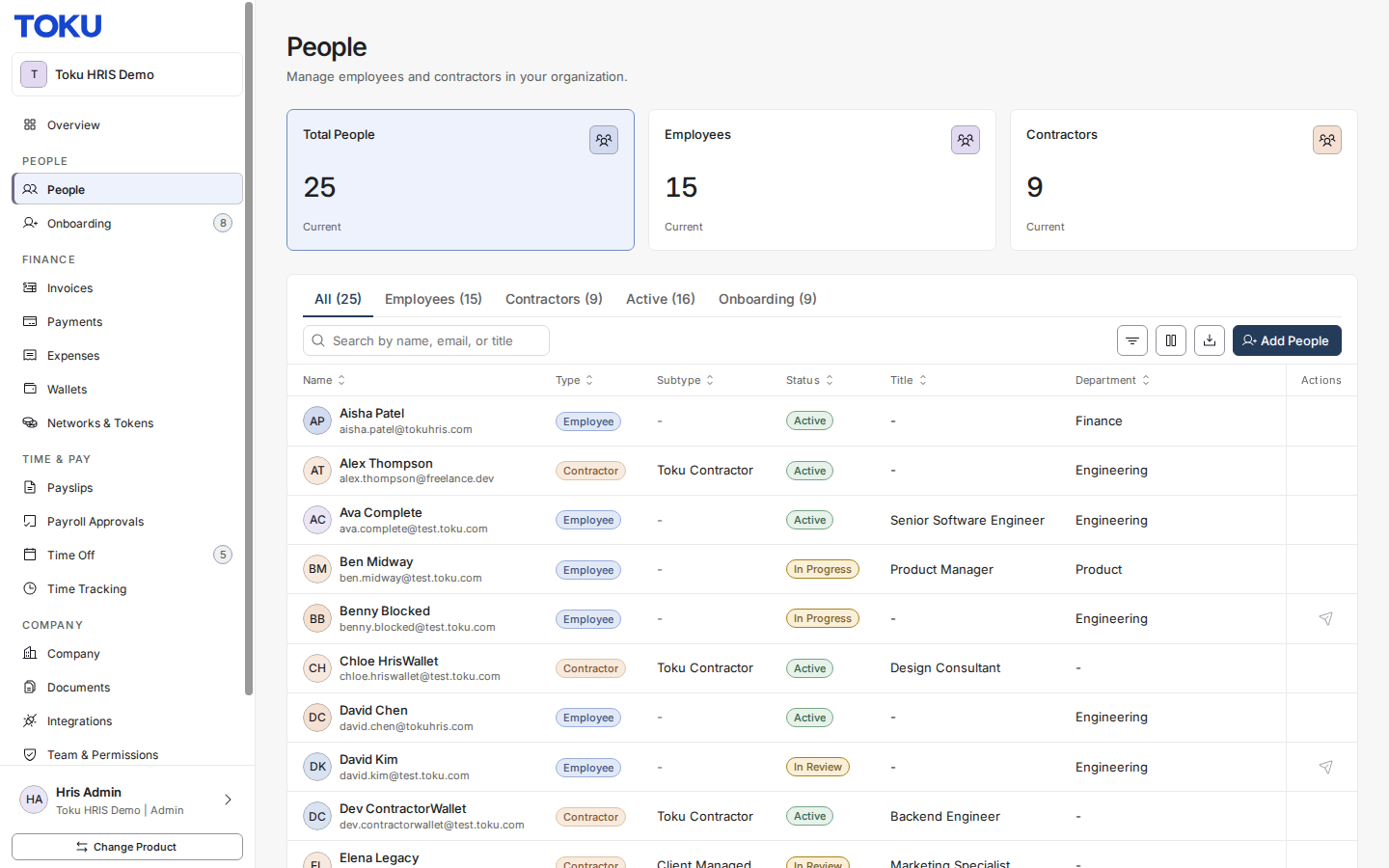
- Once the agreement is configured for your benefits plan, return to Add People and repeat the flow for the same PEO employee.
- On the Review & Confirm step, the hold warning now clears and you see the normal onboarding plan instead.
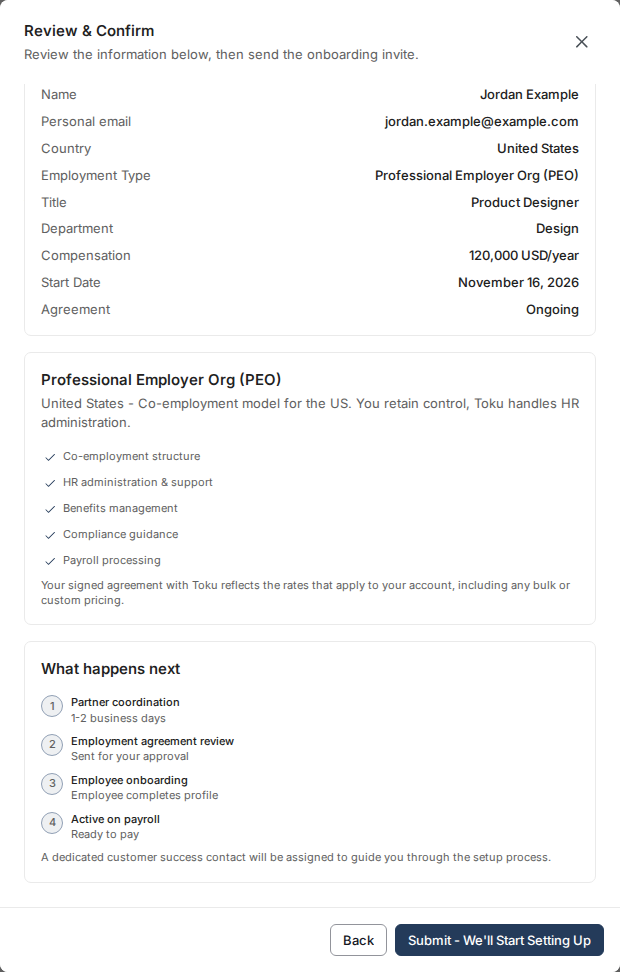
- Click Submit - We'll Start Setting Up. The system finds the configured agreement, clears the hold, and sends the onboarding invitation email immediately.
Verify the email was sent
- The new hire receives an email titled Welcome to Toku - Set up your account at the email address you provided during hiring.
Good to know
- This hold only appears for Professional Employer Organization (PEO) new hires; other employment types are not affected.
- The employment agreement must be published and marked as required for onboarding in order to resolve the hold.
- If a new hire doesn't receive their onboarding email weeks after being added, check the People list and verify they were added successfully - then contact support to confirm the hold was cleared.
- Your organization's benefits package setting determines which employment agreement template the system uses to match this hold. Confirm this setting is correct with your administrator.
⚠️ If you add a new PEO employee and they don't appear in People or never receive their onboarding email, check the Review & Confirm step for a hold warning. A missing employment agreement is the most common cause.
Watch it in action
Full walkthrough: adding a PEO employee, reviewing the hold check, and sending the onboarding invitation.
The complete flow: adding a new hire, the hold warning, and the cleared review step
Quick preview of the hiring flow.
Still stuck?
You can email [email protected] to reach our support team. Please include your email address, organization name, and a description of what happened. Screenshots and videos are always welcome to speed up the troubleshooting process. Feel free to reach out any time for further assistance.