
 1 MIN READ
 UPDATED NOV 6, 2026
Toku: See where your team works
For client admins on Toku HRIS. Last updated November 6, 2026.
Use the Your global team panel on Overview to see where your active people work and open a country’s people list.
Before you start
You need access to your organization’s People directory.
See your team by country
- Open Overview and find Your global team.
- On a desktop, select View map data to see the countries and active headcounts in a table. Select the control again to hide the table.
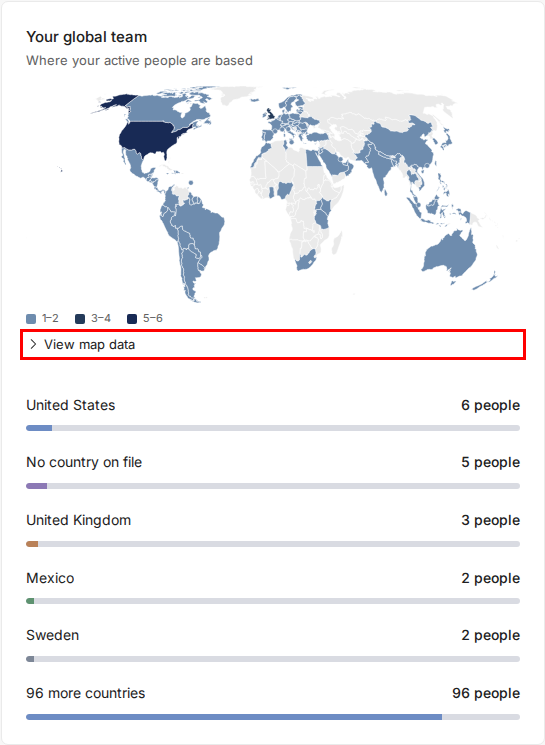
- Select a country in the map or country list. Toku opens People, filtered to active people in that country. On a phone, select a country from the list instead.
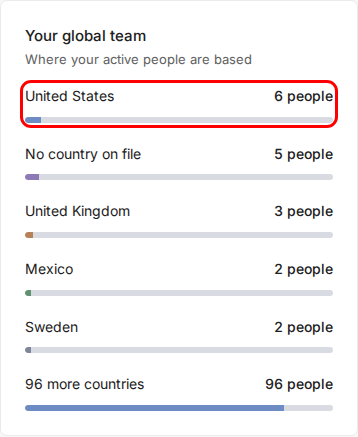
- To see people across all countries again, select the X on the active country filter.

Good to know
- Counts and the linked People list include people who have started and are not terminated.
- On phones, the country list is available instead of the map.
- Your existing People permissions control which information you can see.
Still stuck?
Email [email protected] for help.