
 3 MIN READ
 UPDATED OCT 30, 2026
📘 📘 For employees and administrators with access to multiple Toku products. Last updated October 30, 2026.
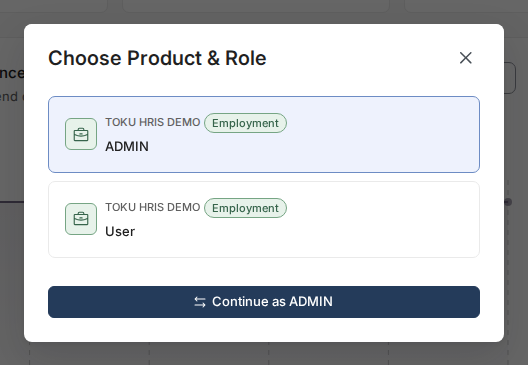
The Choose Product & Role window is where you move between the Toku products and roles your account has access to. If you hold more than one role - for example both ADMIN and User — this is also where you switch between them.
Before you start
- You need access to more than one product, or more than one role within a product, for this window to appear.
- The same choices appear automatically on a Welcome back page when you log in if your account has more than one product or role available. If you have only one of each, you go straight to your home page.
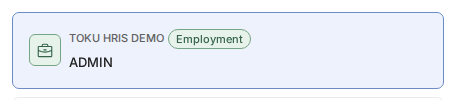
- Each row in the window shows your organization's name, the product on a colored badge, and the role. Employment displays a green badge, and Stablecoin Payroll displays a blue badge.
Switch your product and role
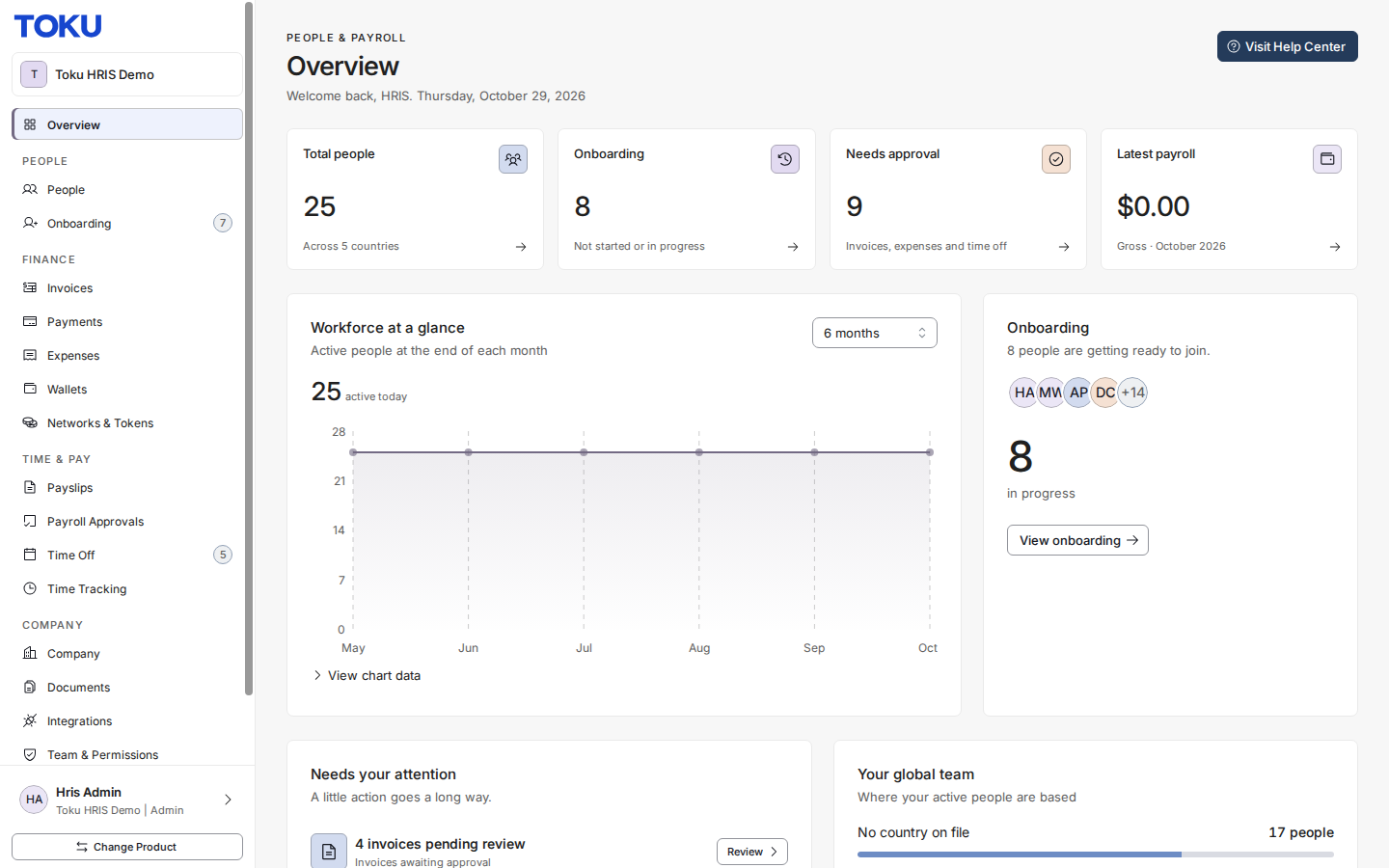
- In the sidebar, click Change Product at the bottom-left, below your profile. The Choose Product & Role window opens, showing your organization, product (with color badge), and available roles.
- Click the row for your preferred option, then click the Continue as [Your Role] button to switch products.
Identify your product by its badge color
- Each row shows your organization's name, the product name on a colored badge, and your role.
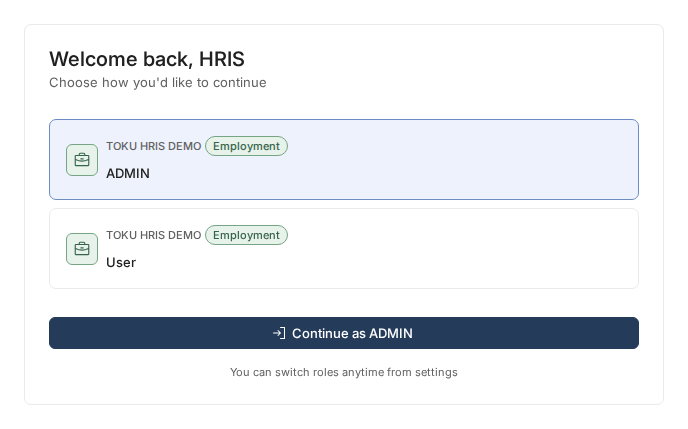
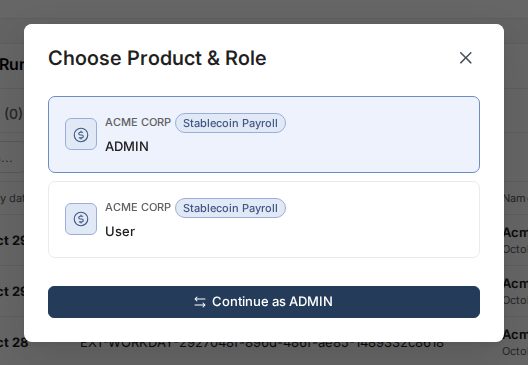
- Employment displays a green badge, and Stablecoin Payroll displays a blue badge. If your organization subscribes to other Toku products that your account can access, they appear as additional rows with their own badge.
Good to know
- If you have multiple roles in the same product, all of them appear in the window. You can switch roles by selecting a different row.
- Selecting a row and clicking Continue as takes you straight to that product and role's home page. You are not signed out and do not need to re-enter your password.
- The window only appears if you have access to more than one product. Single-product users go straight to their home page.
- If your organization has moved to Toku's Employment platform, you won't see a duplicate Stablecoin Payroll row for the same access - Toku hides it automatically once Employment is available, so you don't have to guess which of two identical-looking rows to pick.
Still stuck?
You can email [email protected] to reach our support team. Please include your email address, organization name, and a description of what happened. Screenshots and videos are always welcome to speed up the troubleshooting process. Feel free to reach out any time for further assistance.