
 3 MIN READ
 UPDATED OCT 30, 2026
📘 For organization administrators on Toku. Last updated October 30, 2026.
Turn on automatic background checks so every new team member is screened consistently as part of onboarding.
Before you start
- You need administrator access to your organization on Toku.
- Background screening is provided through Checkr, and pricing depends on the package and the person's country of residence.
- Screening costs appear on your next invoice after checks run.
Turn on background checks
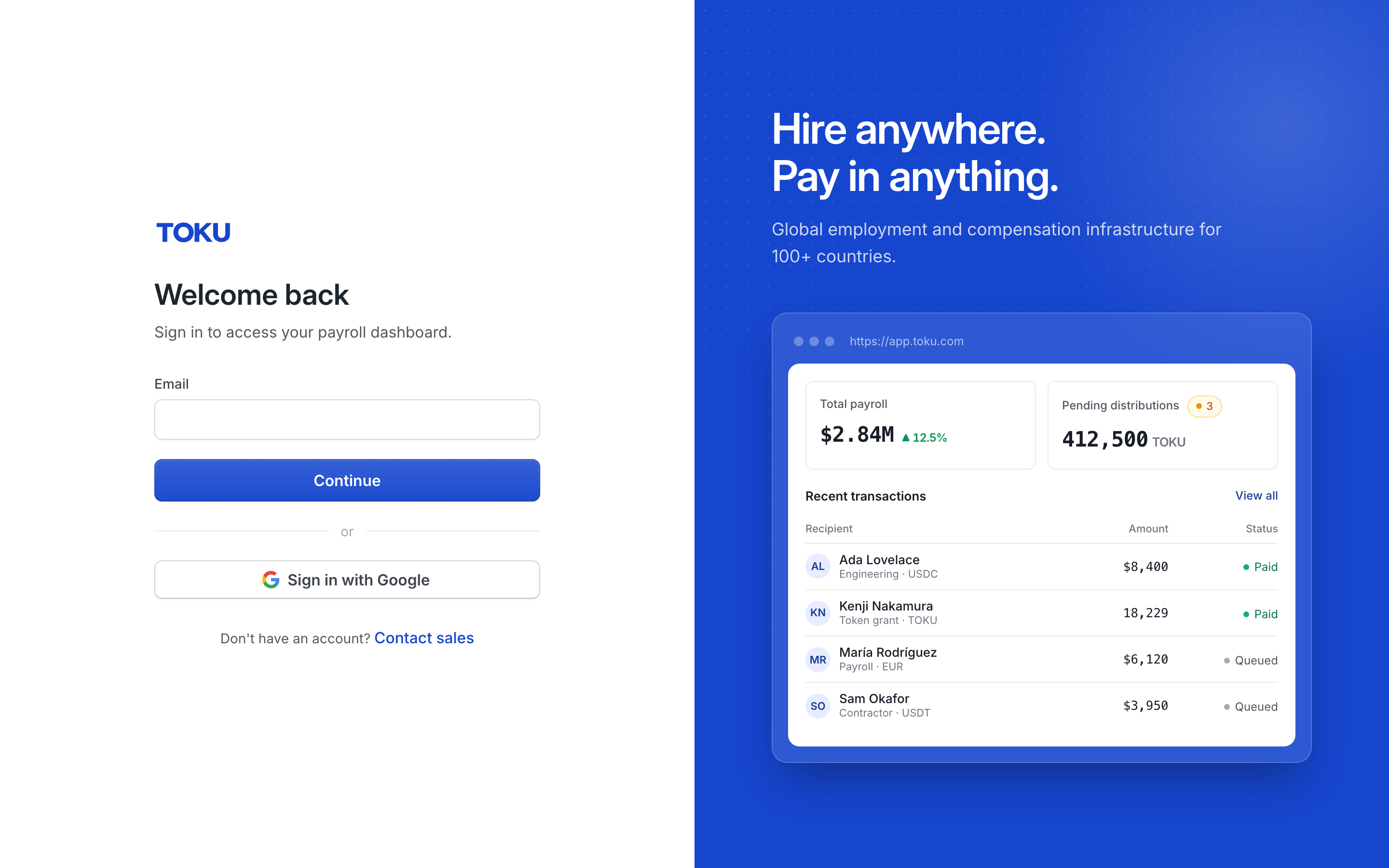
- Sign in at app.toku.com. Enter your email, select Continue, then enter your password. There are no product tabs to choose - Toku takes you to the right product after you sign in.
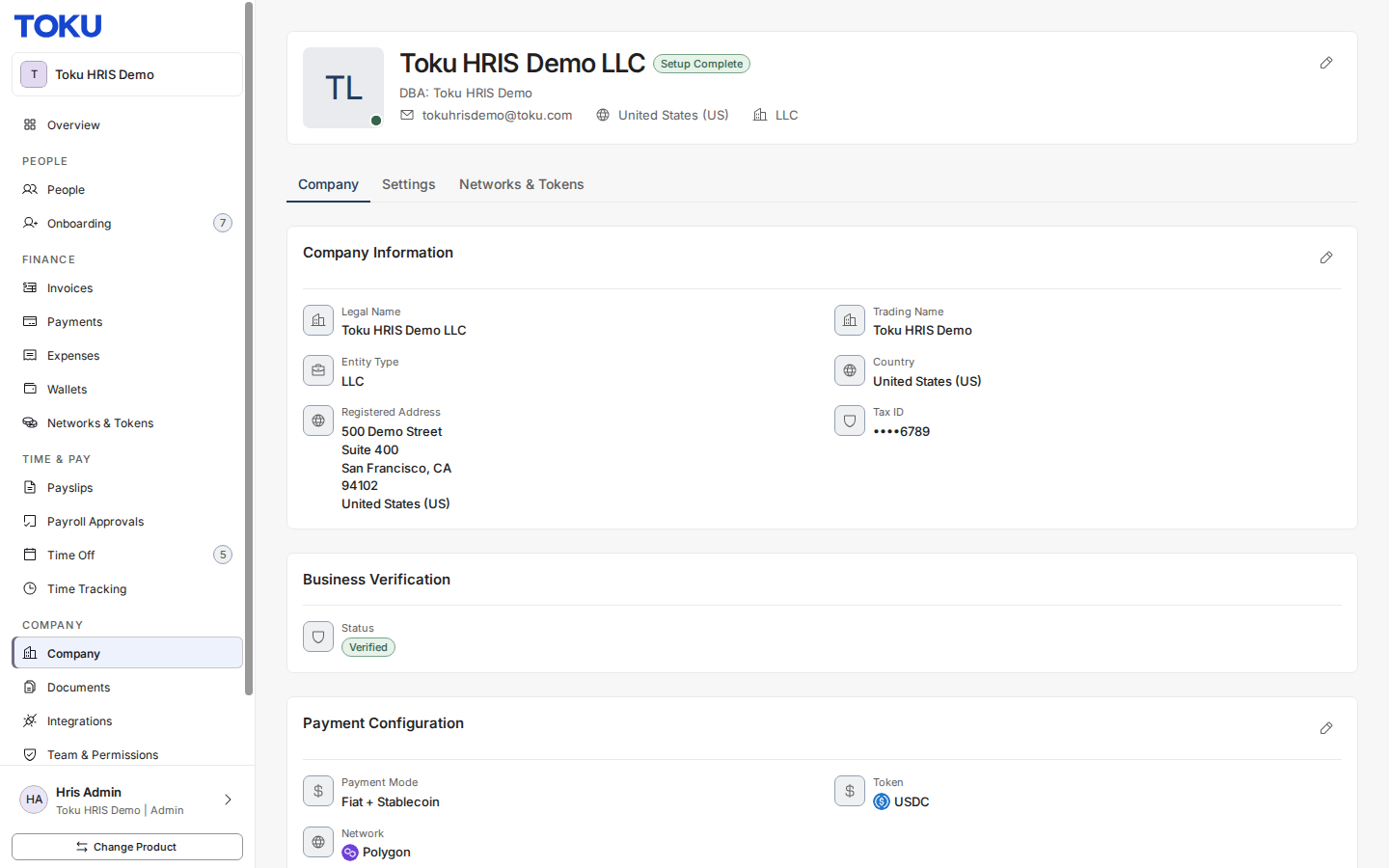
- Open Company in the left-hand menu.
- Select the Settings tab.
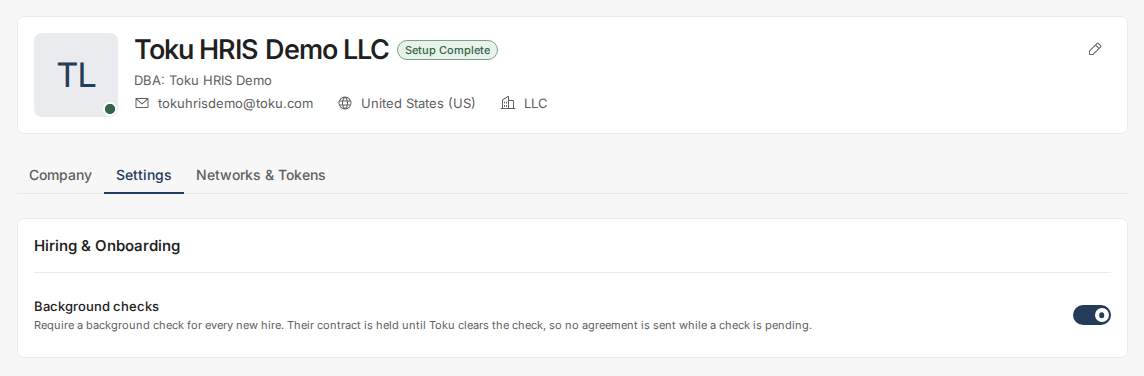
- Under Hiring & Onboarding, find Background checks and switch it on.

Choose a screening package
Three packages are available. The right one depends on the person's age and country of residence.
| Package | Includes | Starting price |
|---|---|---|
| Background Check for Minors | County, federal, national, and state criminal searches, global watchlist, sex offender search, SSN trace - for people under 18 | From $120.00 |
| Basic Professional Check | Aliases, national criminal search, global watchlist, sex offender search, SSN trace, education and employment verification - for people based in the U.S. | From $153.00 |
| International Professional | International adverse media search, criminal search outside the U.S., education and employment verification outside the U.S., global watchlist - for people based outside the U.S. | From $186.00 |
- Tell your Toku Customer Success Manager which screening package you prefer.
- Toku initiates the checks, and the cost appears on your next invoice.
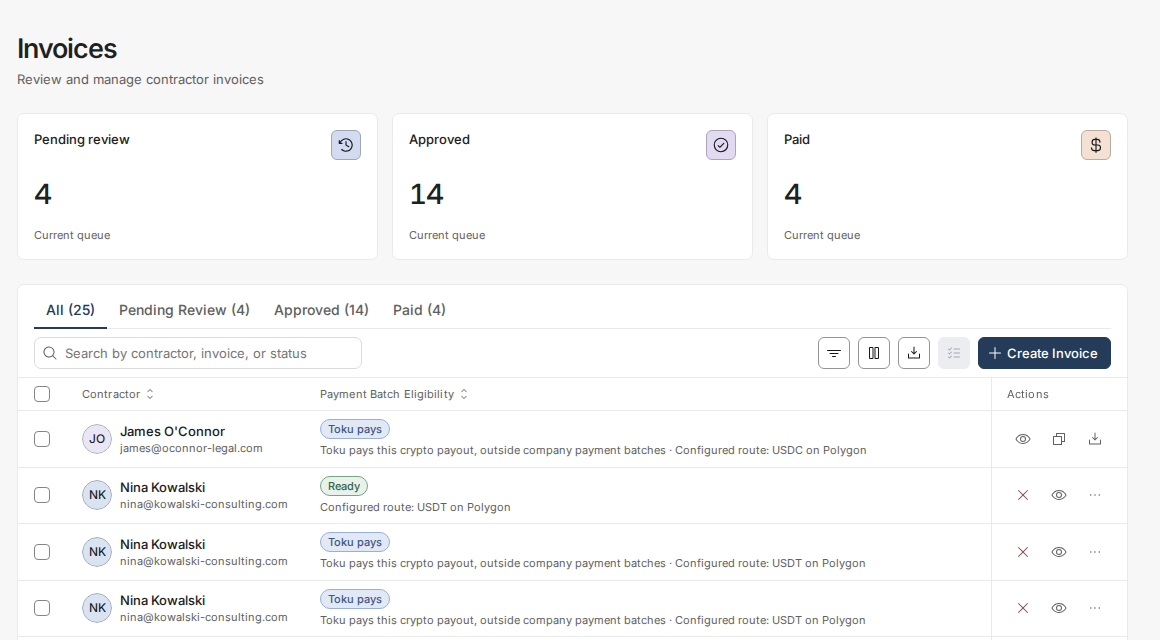
Good to know
- Once enabled, every new team member is automatically routed through a background check during onboarding. Only the signing of their agreement is held until they clear - no other onboarding step is blocked.
- All packages include an SSN trace (U.S. identity check) and watchlist screening covering global sanctions and alerts. Final pricing depends on the specific checks run and the person's country.
- Checks can take several weeks in countries where education and employment verifications are manual. Toku notifies you as soon as results are available.
- Some courts, motor vehicle departments, and other third parties charge record-retrieval surcharges. These passthrough fees are included in your invoice, and applicable taxes or duties on service fees are your responsibility.
⚠️ A new hire's employment or consulting agreement is held and cannot be signed until they clear their background check.
Still stuck?
You can email [email protected] to reach our support team. Please include your email address, organization name, and a description of what happened. Screenshots and videos are always welcome to speed up the troubleshooting process. Feel free to reach out any time for further assistance.