- Click “Settings”
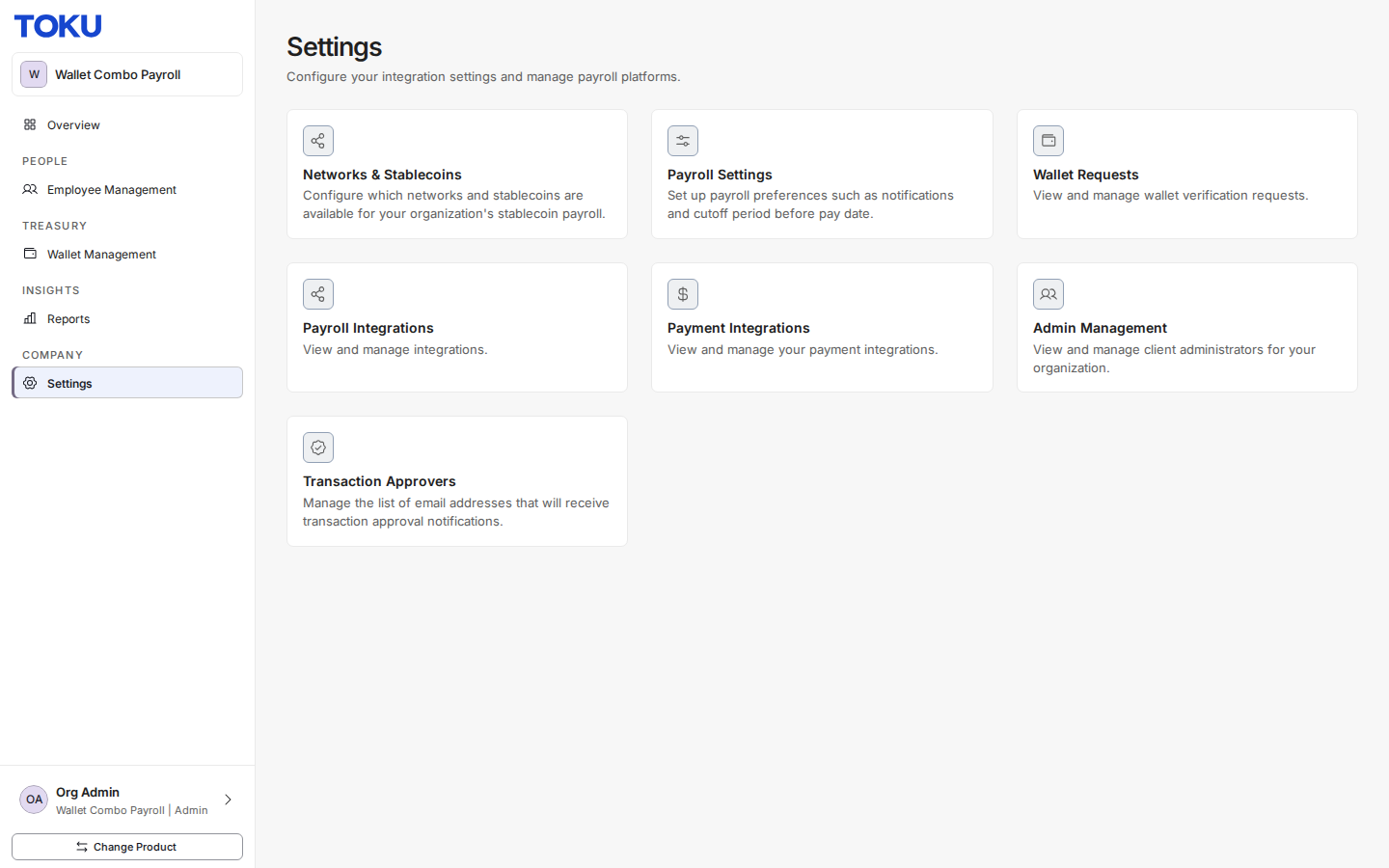
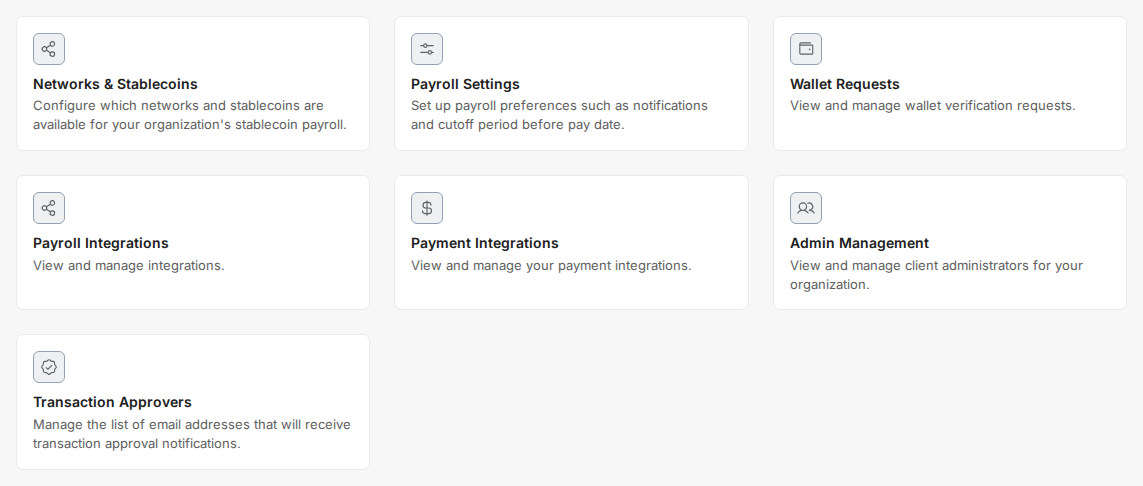
- Select “Networks & Stablecoins”
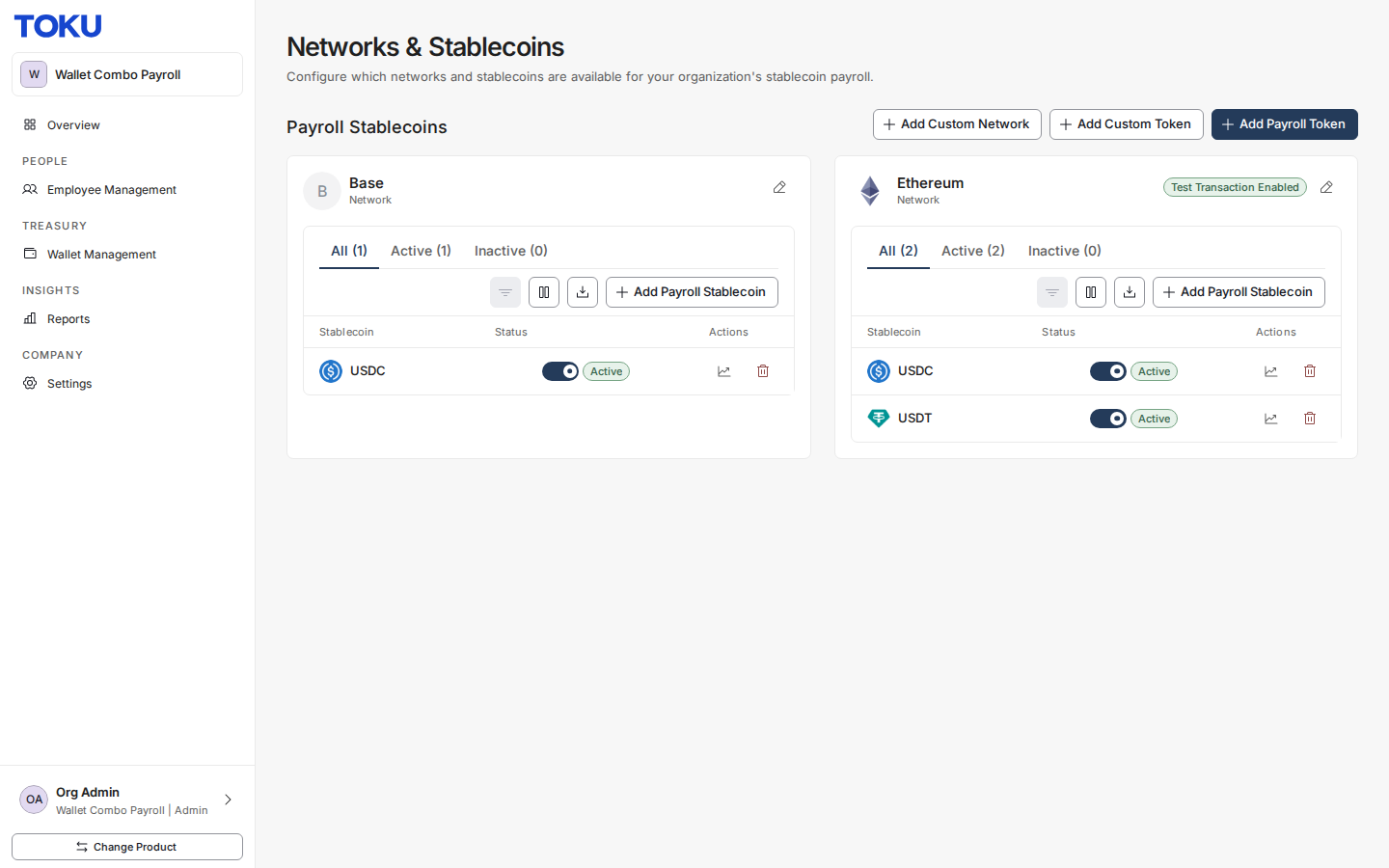
- Click “Add Payroll Token”
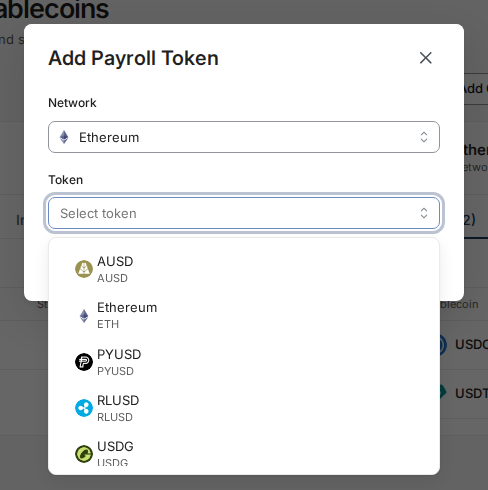
- Select the Network
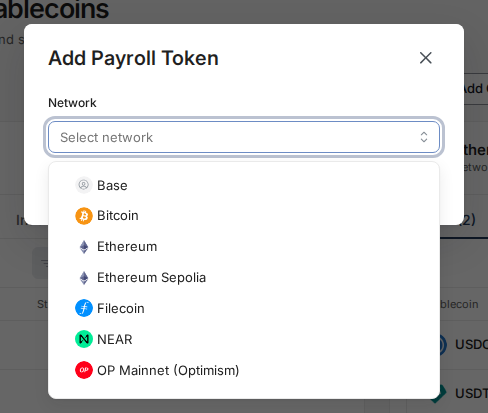
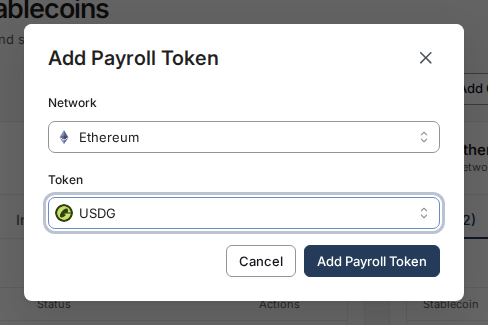
- Select the token
- Click “Add Payroll Token”

 1 MIN READ·
 UPDATED OCT 30, 2026
Enable payroll tokens in Toku by accessing Settings, navigating to Networks & Stablecoins, and adding your desired token and network. Follow these simple steps to configure token payments for your payroll setup.
Was this article helpful?
The Toku AI assistant has read every article. A human specialist reviews every submission.