
 1 MIN READ
 UPDATED OCT 30, 2026
💰 How to Enable Stablecoin Payroll
ℹ️ Stablecoin payments are not supported in Japan, Kenya, Serbia, Denmark, or Argentina at this time.
Stablecoin Payroll allows your employees to receive a portion of their salary in stablecoins like USDC, USDG, or USDT, instantly and globally.
Follow the steps below to enable this feature in your Toku dashboard.
✅ Enabling Stablecoin Payroll
- Log in to your Toku dashboard
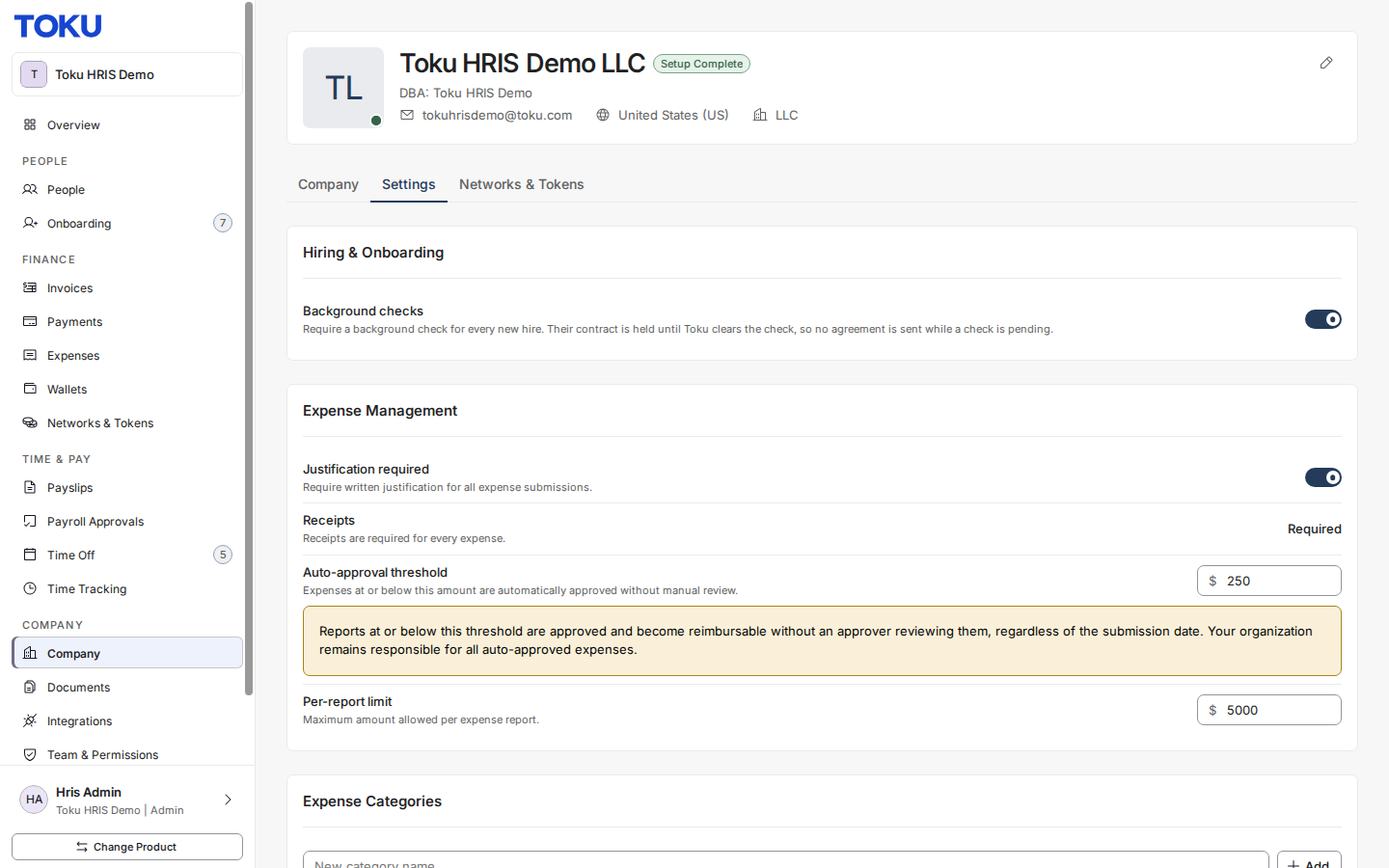
- Click Company in the left-hand menu
- Select the Settings tab
- Find the Stablecoin payroll option under Payroll & Payments (See Screenshot below)
- Toggle the switch to Enable Stablecoin Payroll
- The change saves automatically. If the switch opens the Networks & Tokens tab instead, set up a stablecoin network and funding there first, then turn the switch on Once enabled, employees will see the Stablecoin Payroll option in their profile and can opt in to receive part of their salary in stablecoins starting the next pay cycle.

Need Help?
If you have questions or run into any issues, contact our support team, we’re here to help.