
 2 MIN READ
 UPDATED OCT 30, 2026
📘 For employees and contractors on Toku. Last updated October 30, 2026.
Submit a request to update your name, address, contact details, or other personal information on your profile.
Before you start
- Log in to your Toku account at app.toku.com
- Submit changes before the monthly deadline to take effect in the same pay cycle (by the 10th for employees, by the 20th for contractors)
Request a change
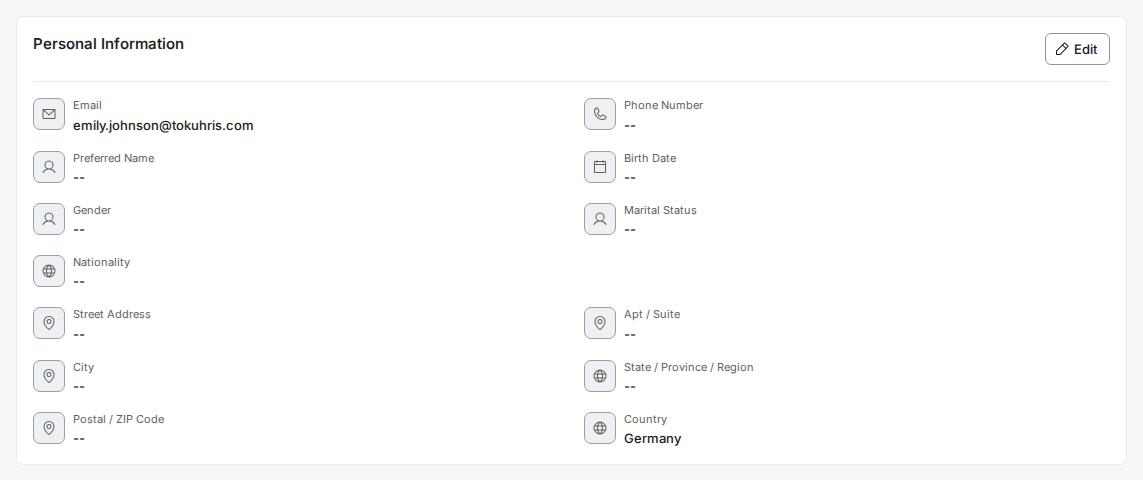
- In the left-hand menu, click Profile, then scroll down to the Personal Information section.
- Click Edit on the right-hand side of the Personal Information heading. The section switches into edit mode.
- Update the details you need to change - phone number, preferred name, birth date, gender, marital status, nationality, and your home address (street address, apartment or suite, city, state or region, postal code, and country) are all editable here.
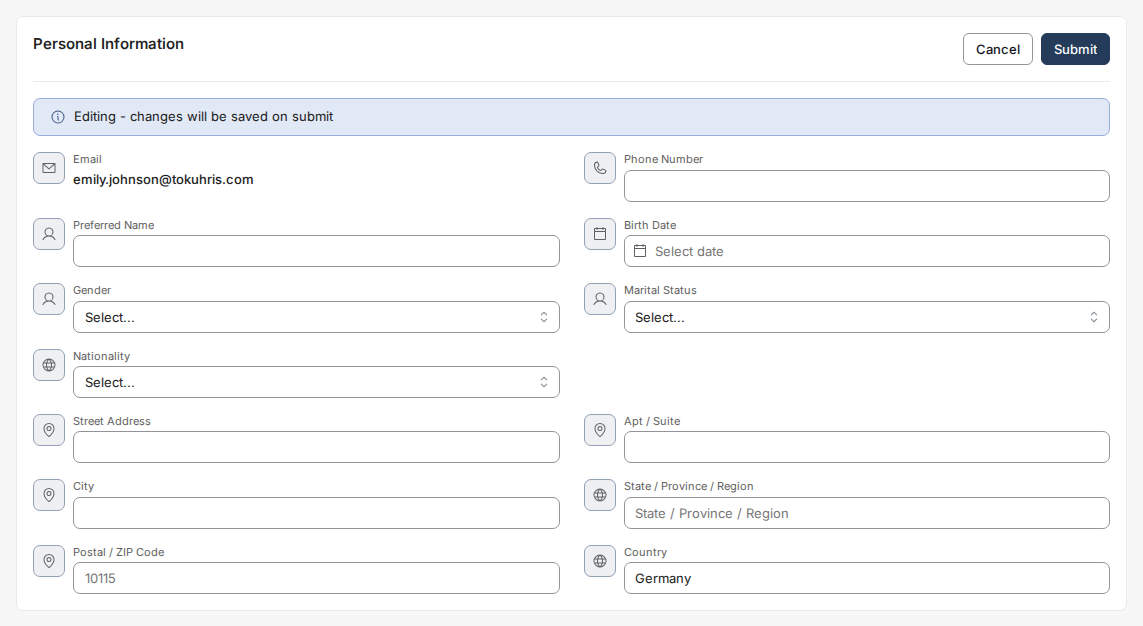
- Click Submit to send your update. Some changes are reviewed by Toku before they take effect on payroll, so submit before the monthly deadline below.
What happens when you submit
What you see after clicking Submit depends on whether your payroll cut-off for the month has already passed.
- Before the cut-off — the change is sent straight away and waits for review. There is no extra step.
- After the cut-off — a notice appears first, telling you which pay date the change will actually reach. Read it, tick the box to acknowledge it, and select Continue. The change is only sent once you do; closing the notice leaves it unsent.
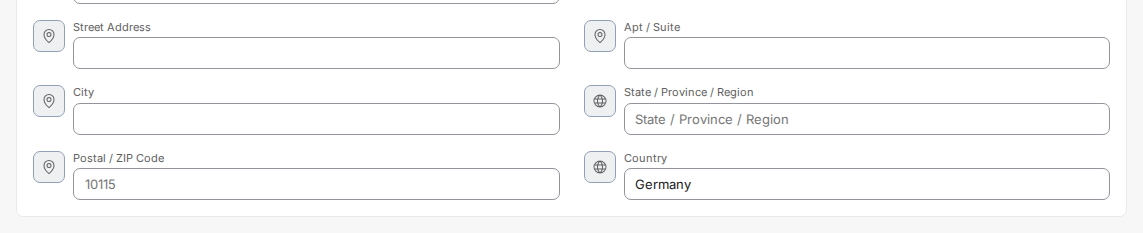
💡 If you changed your state, region or country before 4 August 2026 and nothing happened when you clicked Submit - no confirmation, no error, the section just stayed open - your change was never sent. Please make the edit again. Nothing you entered before that date was saved.
Good to know
- Payroll employees: Changes must be submitted by the 10th of the month to take effect in that month's payroll.
- Contractors: Changes must be submitted by the 20th to take effect in that month's contractor payment.
- Changes submitted after the deadline will be processed in the next payment cycle.
- You will receive a confirmation once your request is approved.
Still stuck?
You can email [email protected] to reach our support team. Please include your email address, organization name, and a description of what happened. Screenshots and videos are always welcome to speed up the troubleshooting process. Feel free to reach out any time for further assistance.